

Worth a read
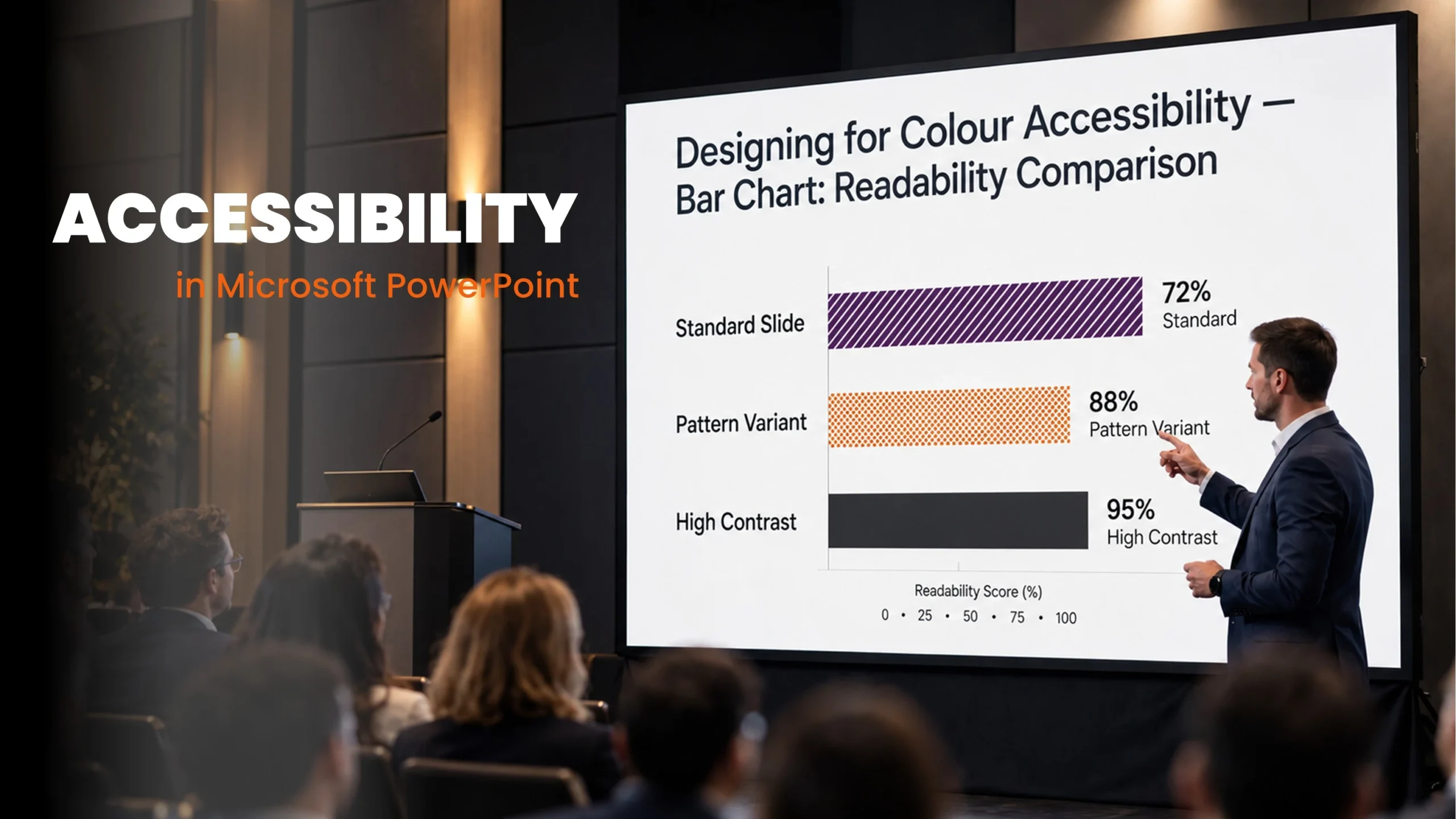

A presentation should make sense during the meeting and when shared afterwards. Learn how slide structure, reading order, accessible charts and captions help more people understand your message.
- ±5 minutes read
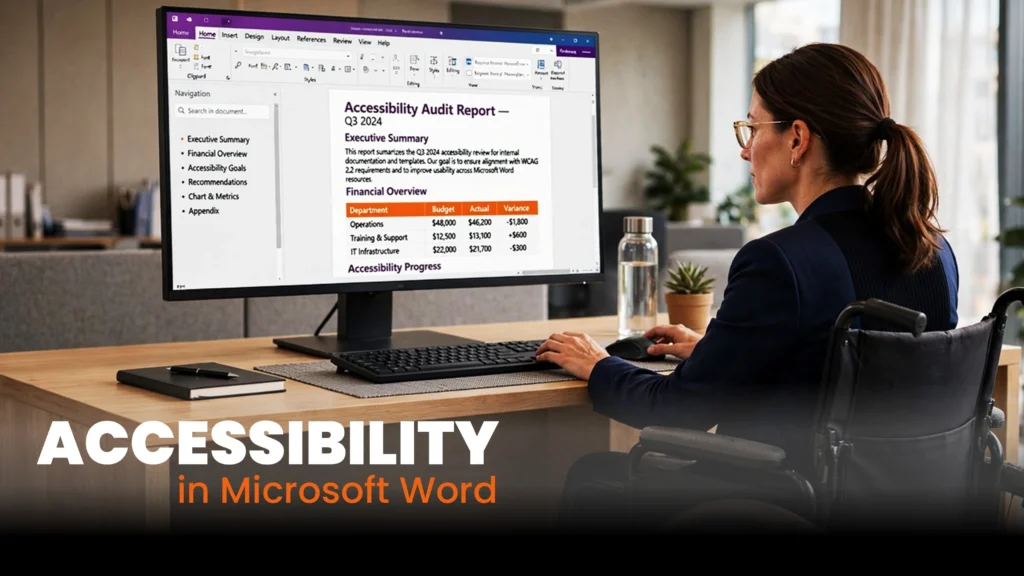
A Word document can look
- ±5 minutes read

PowerPoint Morph can create smooth,
- ±6 minutes read

Digital accessibility does not stop
- ±9 minutes read
Explore topics
A presentation should make sense during the meeting and when shared....
- ±5 minutes read

A Word document can look professional and still be difficult to....
- ±5 minutes read
PowerPoint Morph can create smooth, professional movement with far less work....
- ±6 minutes read

Digital accessibility does not stop at websites. Word documents, PowerPoint presentations,....
- ±9 minutes read

Designing PowerPoint presentations for events requires more than making everything bigger.....
- ±7 minutes read
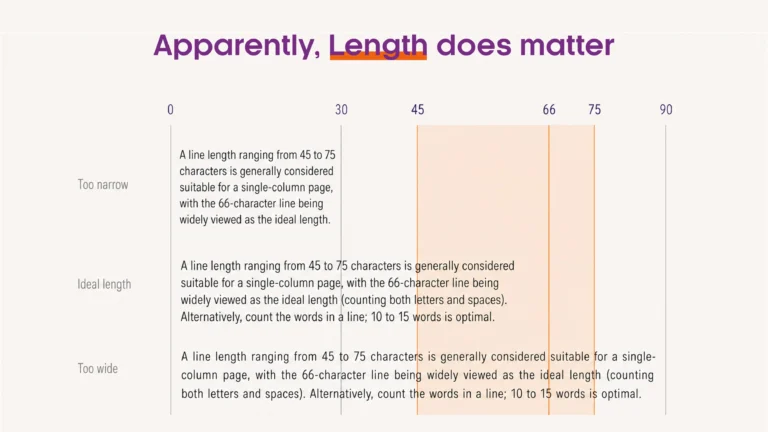
Why can a well-designed document or presentation still feel difficult to....
- ±5 minutes read