


Microsoft Copilot in Microsoft 365: Is It Worth It for Your Business?
to your Office files.
If this article has made you rethink how your business uses Word, Excel or PowerPoint, ZOARC Creative can help create polished, brand-aligned templates for letterheads, reports, proposals, bids and presentations.


Trusted for Microsoft Office template and formatting support
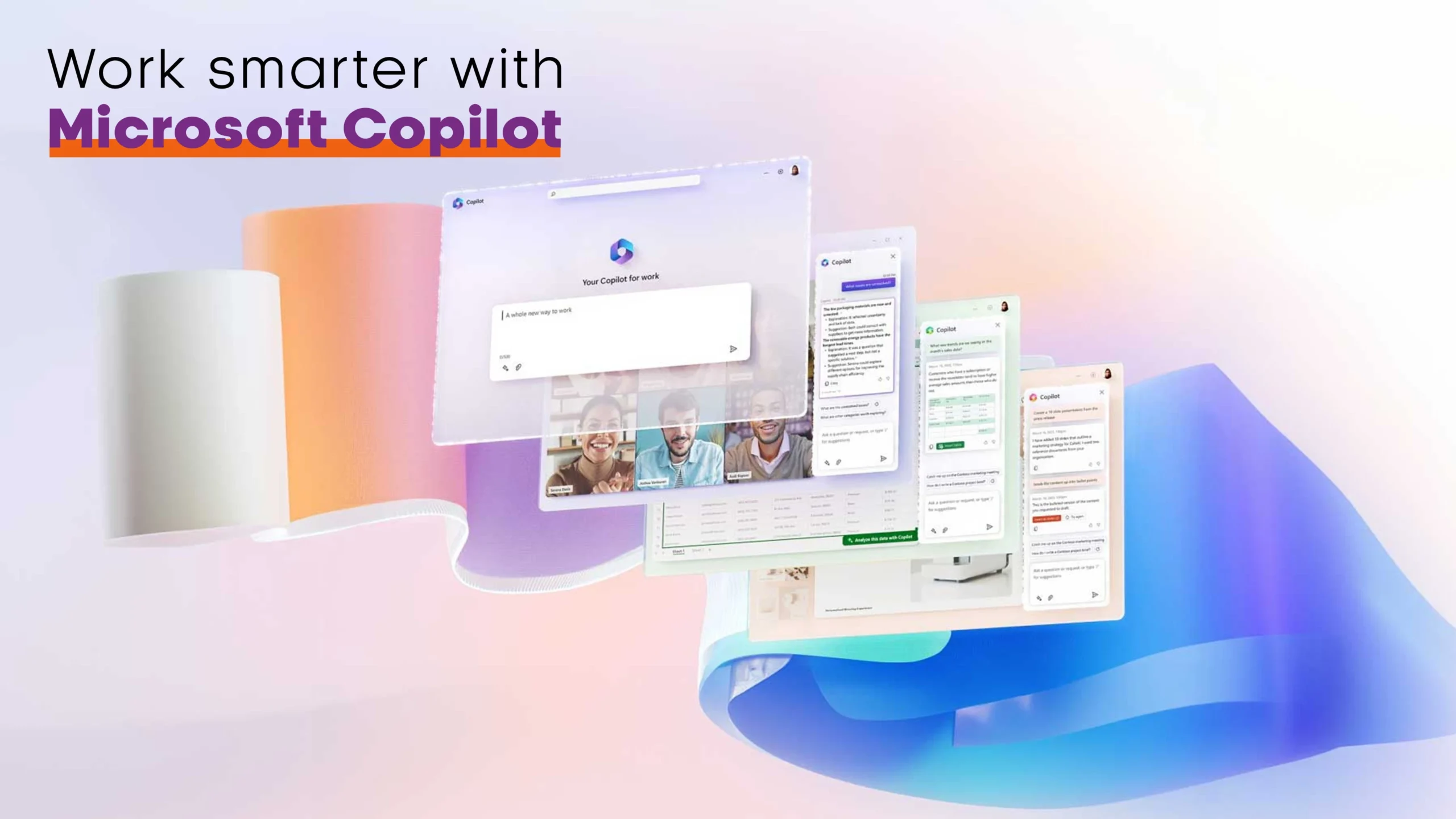
Microsoft Copilot is no longer a glimpse into the future—it’s becoming part of everyday work in Microsoft 365. But what does that actually mean for businesses using Word, Excel, PowerPoint, Outlook and Teams? More importantly, is it included with your Microsoft 365 subscription, and is it worth using?
Artificial intelligence has quickly become one of the biggest talking points in business software, and Microsoft has placed Copilot at the centre of its Microsoft 365 strategy. Rather than introducing a completely new application, Microsoft has integrated AI directly into the tools millions of people already use every day.
For organisations, this means less time spent creating first drafts, analysing spreadsheets, preparing presentations and catching up on emails. However, understanding what Copilot can—and cannot—do is essential before deciding how it fits into your business.
Microsoft Copilot is designed to enhance Microsoft 365—not replace it. The biggest productivity gains come when it works alongside well-structured documents, templates and data.
What exactly is Microsoft Copilot?
Microsoft Copilot is an AI-powered assistant built into Microsoft 365 applications. Instead of switching between different AI tools, users can ask Copilot to help while working inside Word, Excel, PowerPoint, Outlook and Teams.
Depending on your licence and subscription, Copilot can:
- Draft and rewrite documents
- Summarise reports and emails
- Analyse spreadsheets
- Create presentations from existing content
- Summarise Teams meetings
- Suggest formulas and charts
- Answer questions about your documents
Unlike a standalone chatbot, Copilot works with the files and information you are already using, making it a much more practical productivity tool.
Learn more from Microsoft’s official overview:
https://www.microsoft.com/microsoft-365/copilot
Is Microsoft Copilot included with Microsoft 365?
This is one of the most common questions—and the answer is it depends.
Microsoft now includes Copilot features in Microsoft 365 Personal and Family subscriptions, although usage is subject to AI credits and feature limits.
For business users, the situation is different. Some organisations have access to Microsoft 365 Copilot Chat as part of their Microsoft 365 subscription, while the full Microsoft 365 Copilot experience may require an additional licence depending on the subscription your organisation uses.
The easiest way to check is through your Microsoft 365 account or by speaking with your Microsoft administrator.
Microsoft explains the different Copilot experiences here:
Not every Microsoft 365 subscription includes the same Copilot features. Personal, Business and Enterprise plans all offer different capabilities.
How Copilot helps across Microsoft 365
Word
Copilot can generate first drafts, rewrite existing content, summarise lengthy reports and adjust tone for different audiences.
For businesses producing proposals, reports or policies, this can dramatically reduce the time spent creating the first version of a document.
Excel
Excel is one of Copilot’s strongest applications.
It can:
- Explain complex formulas
- Generate new formulas
- Identify trends
- Create charts
- Summarise large datasets
- Highlight unusual patterns
It works best when data is already organised into structured tables.
PowerPoint
Rather than starting with a blank presentation, Copilot can create slides from existing Word documents or prompts, suggest layouts and help refine slide content.
It is excellent for creating an initial draft—but it should not replace good presentation design or brand consistency.
Outlook
Copilot helps draft emails, summarise long conversations and suggest responses, making it particularly useful for professionals managing busy inboxes.
Teams
Meeting summaries, action points and discussion highlights are automatically generated, making it much easier to catch up on missed meetings or review important decisions.
Where Copilot genuinely saves time
Microsoft Copilot is particularly useful for repetitive or time-consuming tasks such as:
- Creating first drafts
- Summarising long documents
- Producing meeting notes
- Writing email responses
- Analysing spreadsheets
- Turning reports into presentations
These are all activities that traditionally consume hours each week but rarely require completely original thinking.
By reducing the administrative workload, teams can spend more time reviewing, refining and making decisions.
Copilot accelerates the first 80% of the work. The final 20%—accuracy, judgement and quality—still belongs to people.
Where Copilot still has limitations
Although impressive, Copilot is not perfect.
Businesses should remember that:
- AI-generated content should always be reviewed.
- Poorly structured spreadsheets produce weaker insights.
- Inconsistent document formatting affects results.
- Presentations may still require professional design.
- Sensitive business information should always be handled according to your organisation’s security policies.
Like any assistant, Copilot performs best when given clear instructions and good-quality source material.
Why templates matter even more
One misconception is that AI makes templates less important.
In reality, the opposite is true.
A professionally designed Microsoft Word template gives Copilot consistent styles and document structure to work with.
A well-built Excel workbook provides cleaner data for analysis.
A properly designed PowerPoint template ensures AI-generated presentations remain on-brand and consistent.
The better your Microsoft 365 environment is organised, the better Copilot’s output becomes.
This is one of the reasons organisations continue to invest in professionally built Microsoft Office templates—they provide the structure that both people and AI rely on.
Think of Copilot as a skilled assistant. It works faster when your documents, templates and branding are already well organised.
Should your business use Microsoft Copilot?
For most organisations already using Microsoft 365, the answer is increasingly yes.
It can reduce repetitive work, improve productivity and help employees work more efficiently without learning an entirely new platform.
However, successful adoption is not simply about enabling AI. Businesses will see the greatest benefit when Copilot is supported by good document governance, consistent branding, structured templates and appropriate user training.
Artificial intelligence can make work faster, but it still relies on solid foundations.
If your organisation already invests in high-quality Microsoft Word, Excel and PowerPoint templates, Copilot becomes even more valuable because it has a better framework to build upon.
Further reading
- Microsoft 365 Copilot Overview
https://www.microsoft.com/microsoft-365/copilot - Copilot in Word
https://support.microsoft.com/office - Copilot in Excel
https://support.microsoft.com/office - Copilot in PowerPoint
https://support.microsoft.com/office - Copilot in Outlook
https://support.microsoft.com/office
- Microsoft 365 Copilot Overview
Need help preparing your Microsoft 365 environment for Copilot?
A well-designed template is more than just branding—it provides the structure that helps both people and AI work more effectively. Whether you need professionally built Word templates, PowerPoint templates or Excel workbooks, investing in a solid Microsoft 365 foundation will help you get the most from Copilot.
Book a call with ZOARC Creative to discuss how better templates can improve both productivity and brand consistency.
Explore more...

- ±9 minutes read

- ±7 minutes read
- ±5 minutes read
- ±6 minutes read
- ±5 minutes read
- ±10 minutes read