

Project overview
Client
Western Power Distribution
Industry
Energy
Service
Word
Let’s refine your newsletters.
Brief
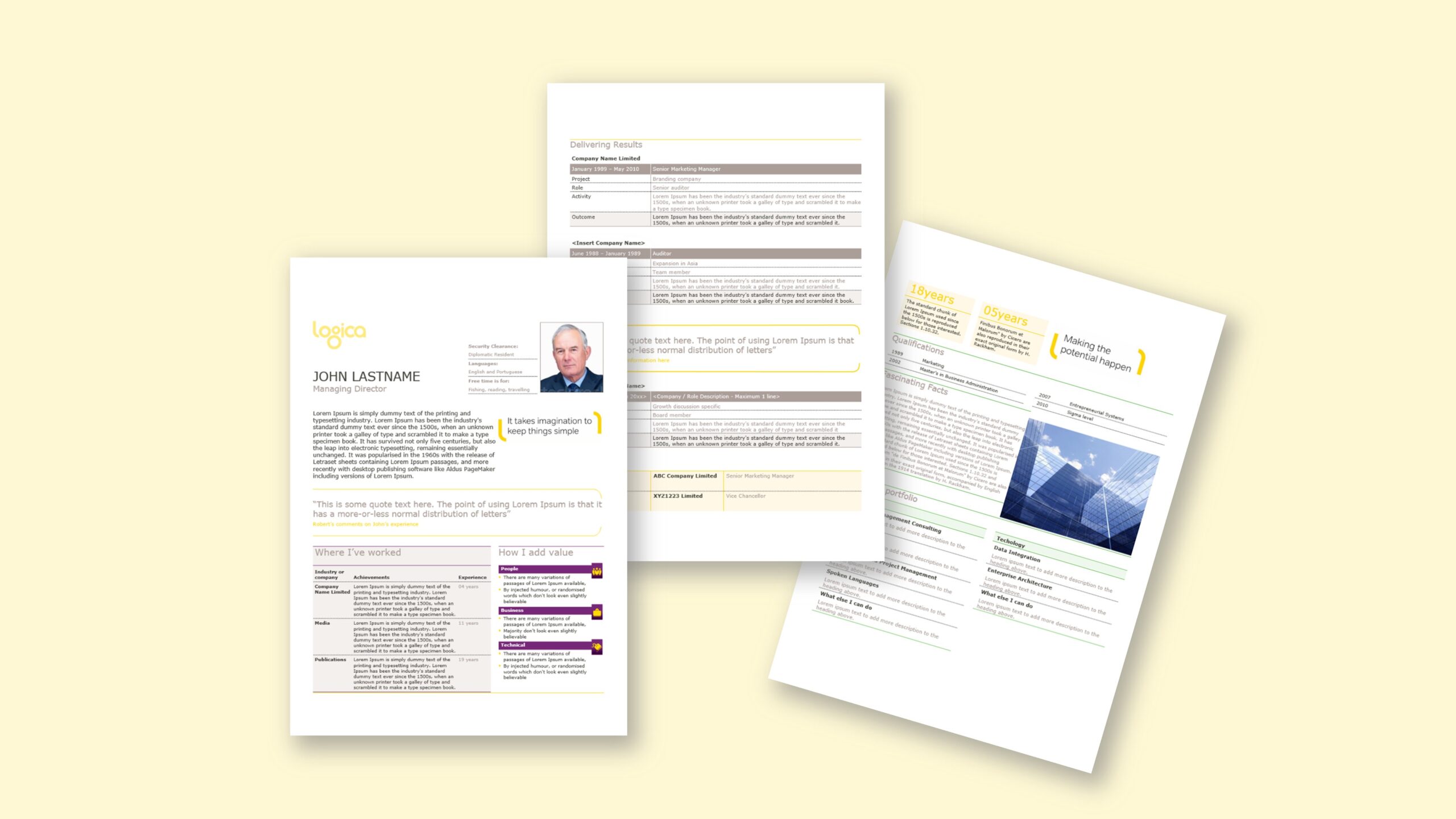
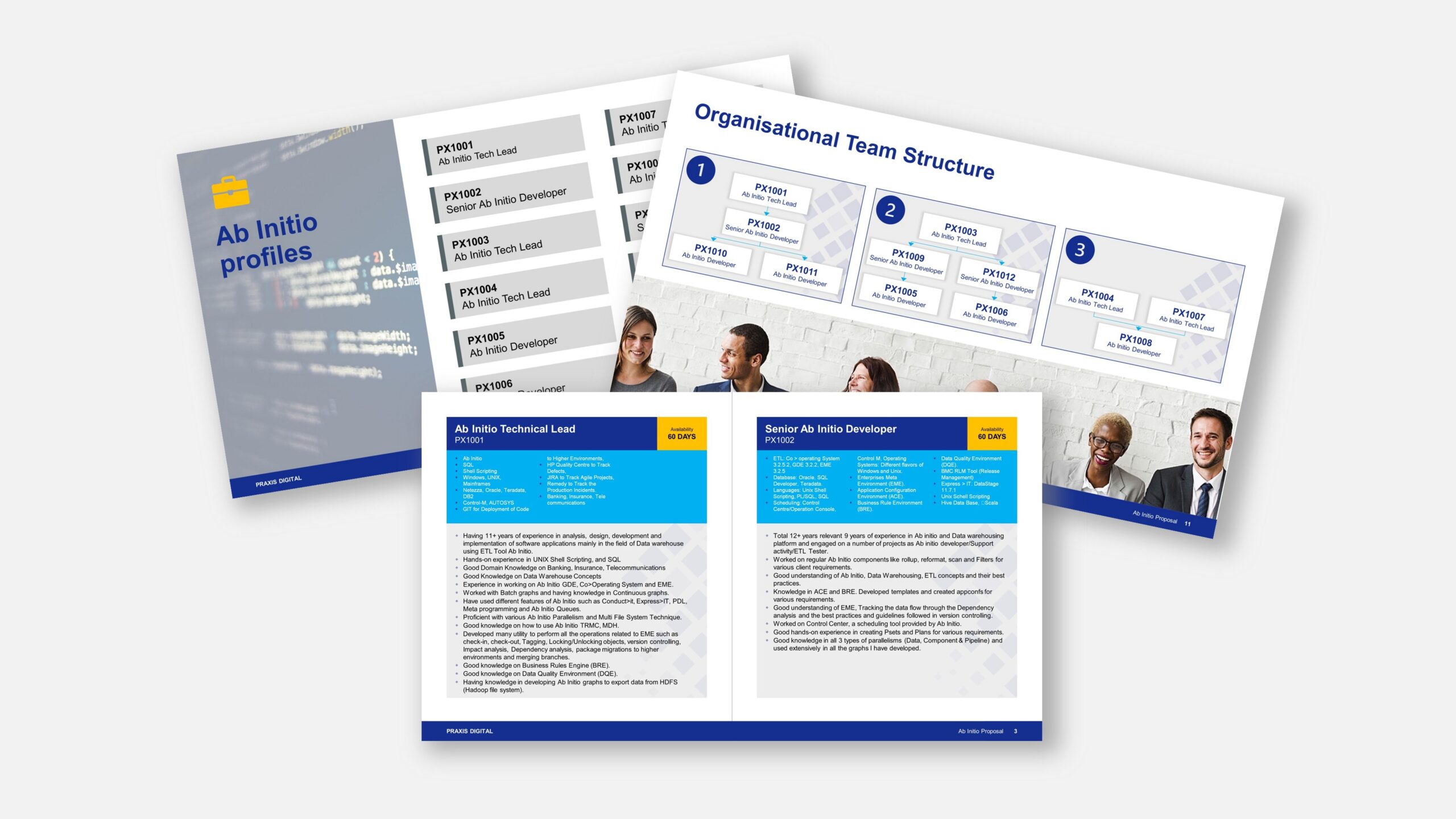
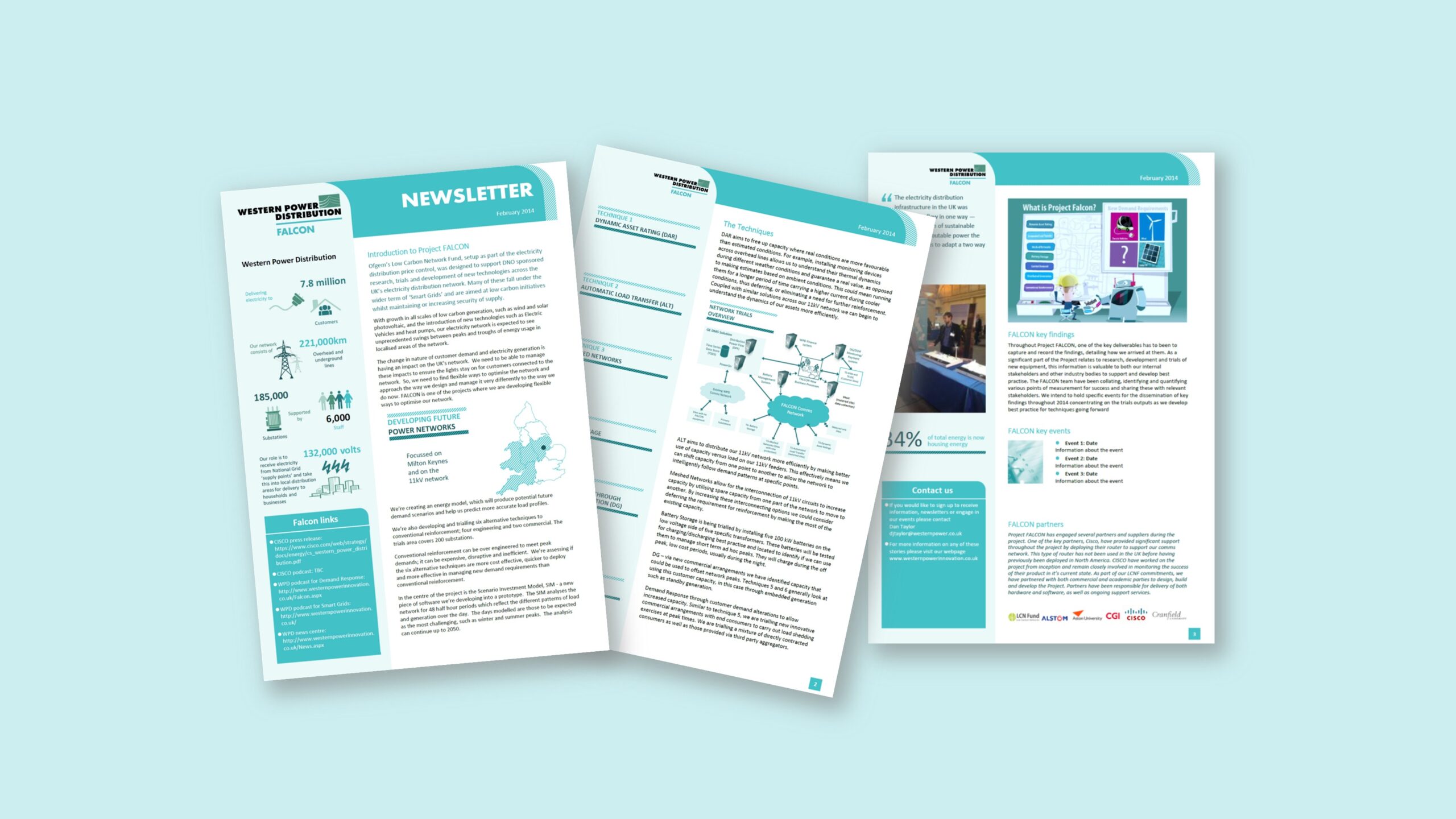
Working from a strong visual concept created by a colleague at a template studio—and inspired by the client’s brand guidelines and website—we were asked to produce a newsletter template that non-designers could use with confidence. The original brief explored a PowerPoint route for flexibility, but early trials showed the need for a sturdier, less movable canvas. We therefore standardised on Microsoft Word to achieve a page-true layout with reliable PDF export. Each issue would be assembled by updating section content (features, news in brief, safety notices, project updates), so the template had to feel pre-typeset while remaining easy to edit. The goal: a stylish, brand-aligned word newsletter template that looks as if it was laid out in InDesign but works entirely with Word’s native features—styles, tables, captions and page variants—so the team can publish regular newsletters quickly, without layout drift.
Approach
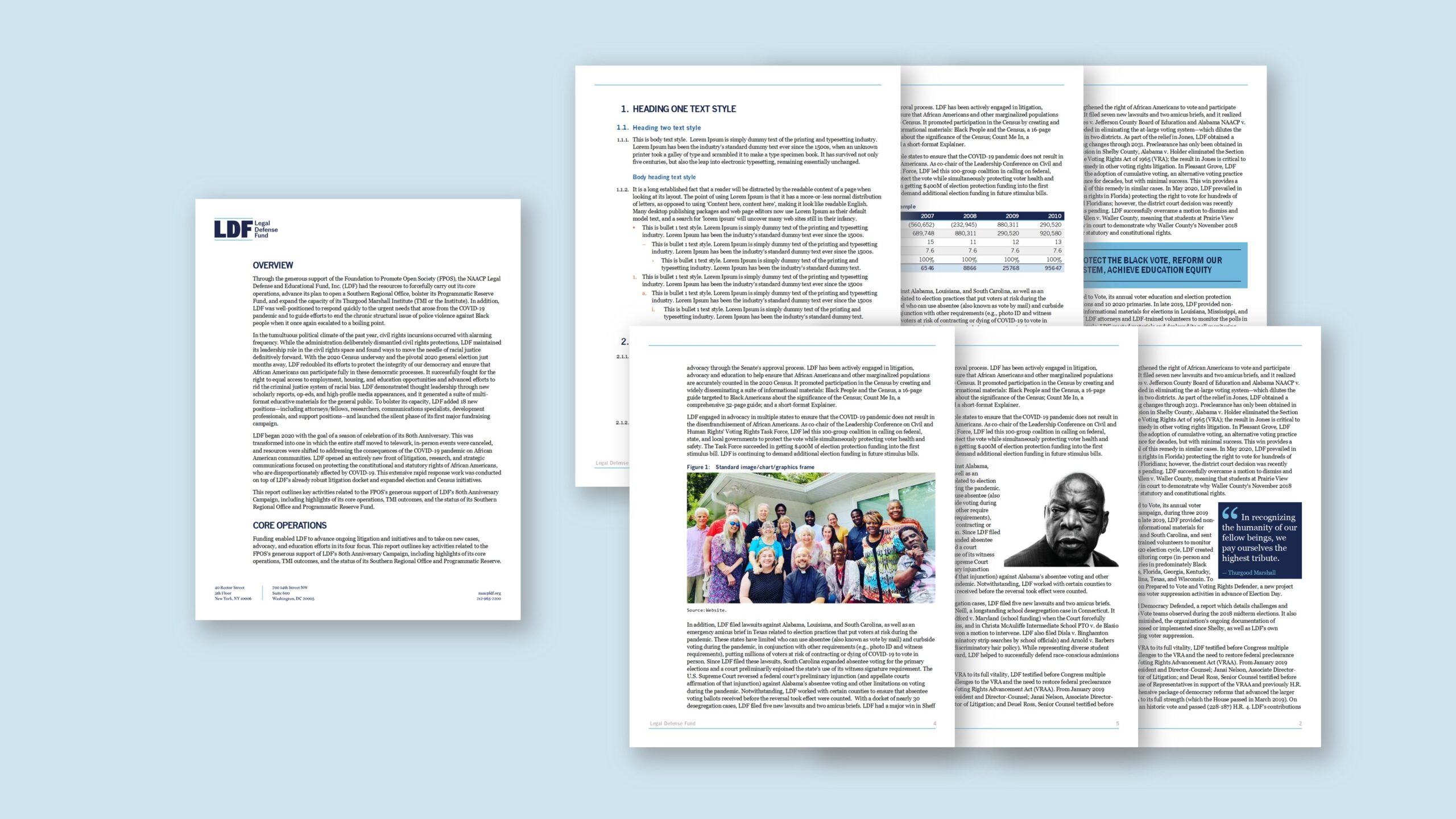
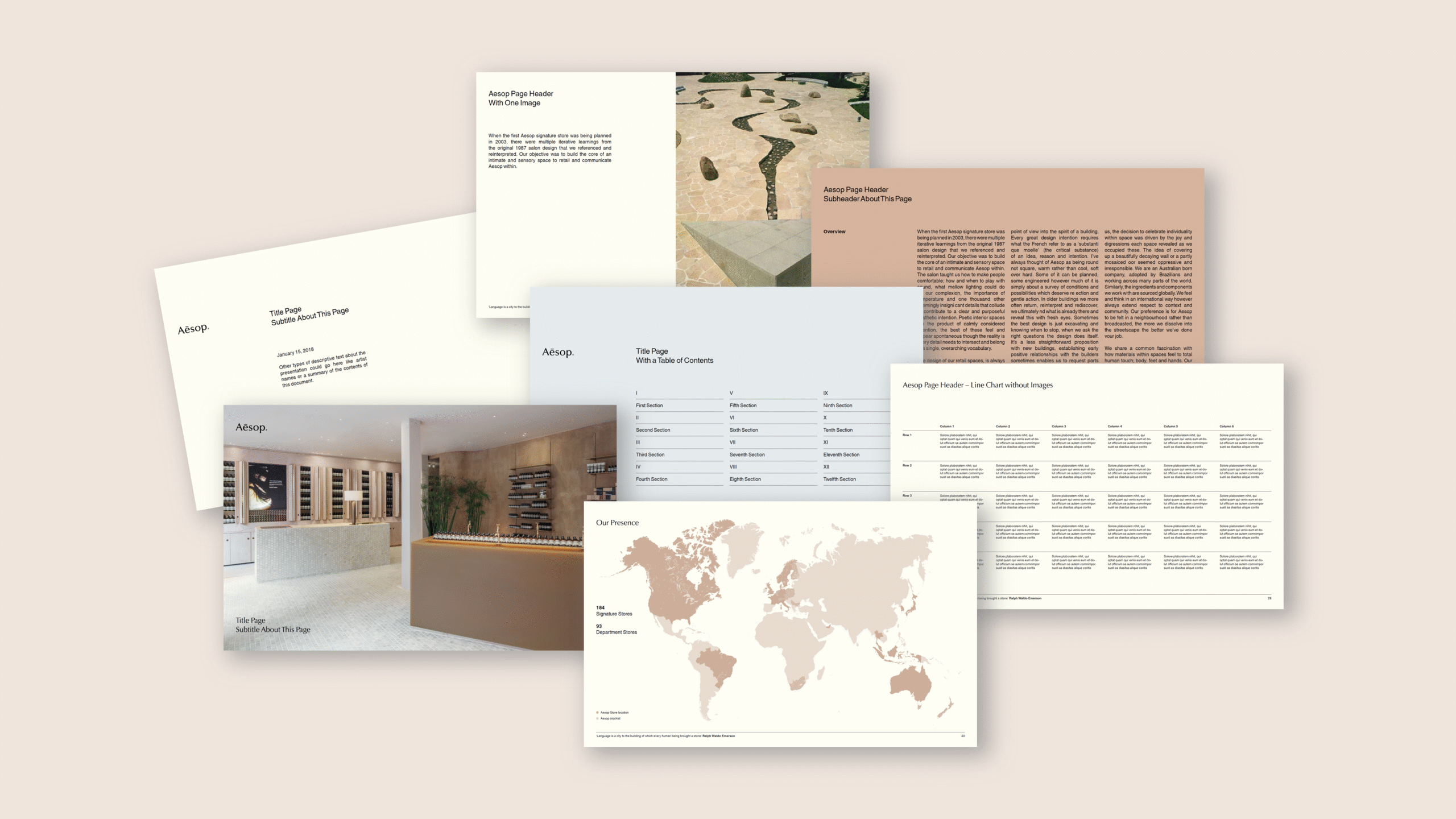
We rebuilt the design as a disciplined, style-driven Word file. Theme fonts/colours mirrored the brand; a tight grid governed margins, columns and safe areas; and headings, standfirsts, pull-quotes, lists and captions were engineered to keep spacing stable during edits. Each section was delivered as a preset page with click-to-edit placeholders for titles, intros, body copy, images and credits. Table styles provided accessible contrast for data panels; image frames were pre-sized with crop behaviour and caption styles that stay attached. To protect the crafted look while keeping editing simple, we used protected regions for decorative elements (dividers, rules, iconography) and left body areas fully editable. Headers/footers carried dynamic page numbers, issue metadata and web/social references. We added a short usage panel (visible in edit view) explaining how to duplicate sections, update fields and produce the PDF. Finally, we validated print and on-screen output so the newsletter reads cleanly at common resolutions and paper sizes—resulting in a template that feels like InDesign, yet ships from Word with “click and type” ease.
Outcome
Editors now publish newsletters faster and with fewer formatting fixes. Because styles control hierarchy and spacing, layouts remain consistent, and preset pages reduce decision-making. Images and tables drop in cleanly, captions stay aligned, and PDF exports are crisp and predictable. Crucially, non-designers can update only what matters—headlines, copy and pictures—while the overall design stays intact. The result is a reliable, brand-true newsletter workflow delivered entirely in Microsoft Word.