

Project overview
Client
Pension Provider
Industry
Financial services
Service
Word
Let’s modernise your forms.
Brief
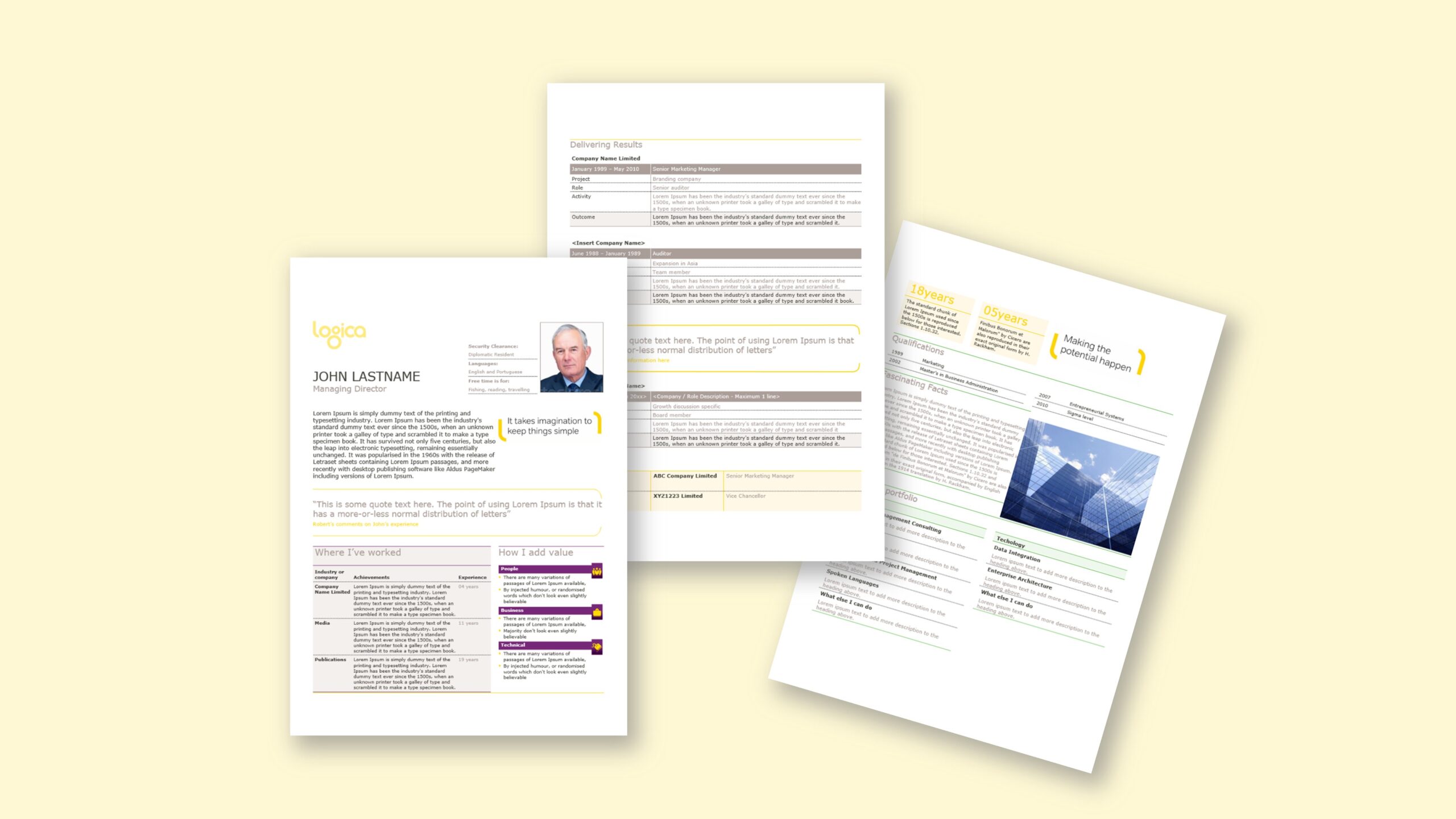
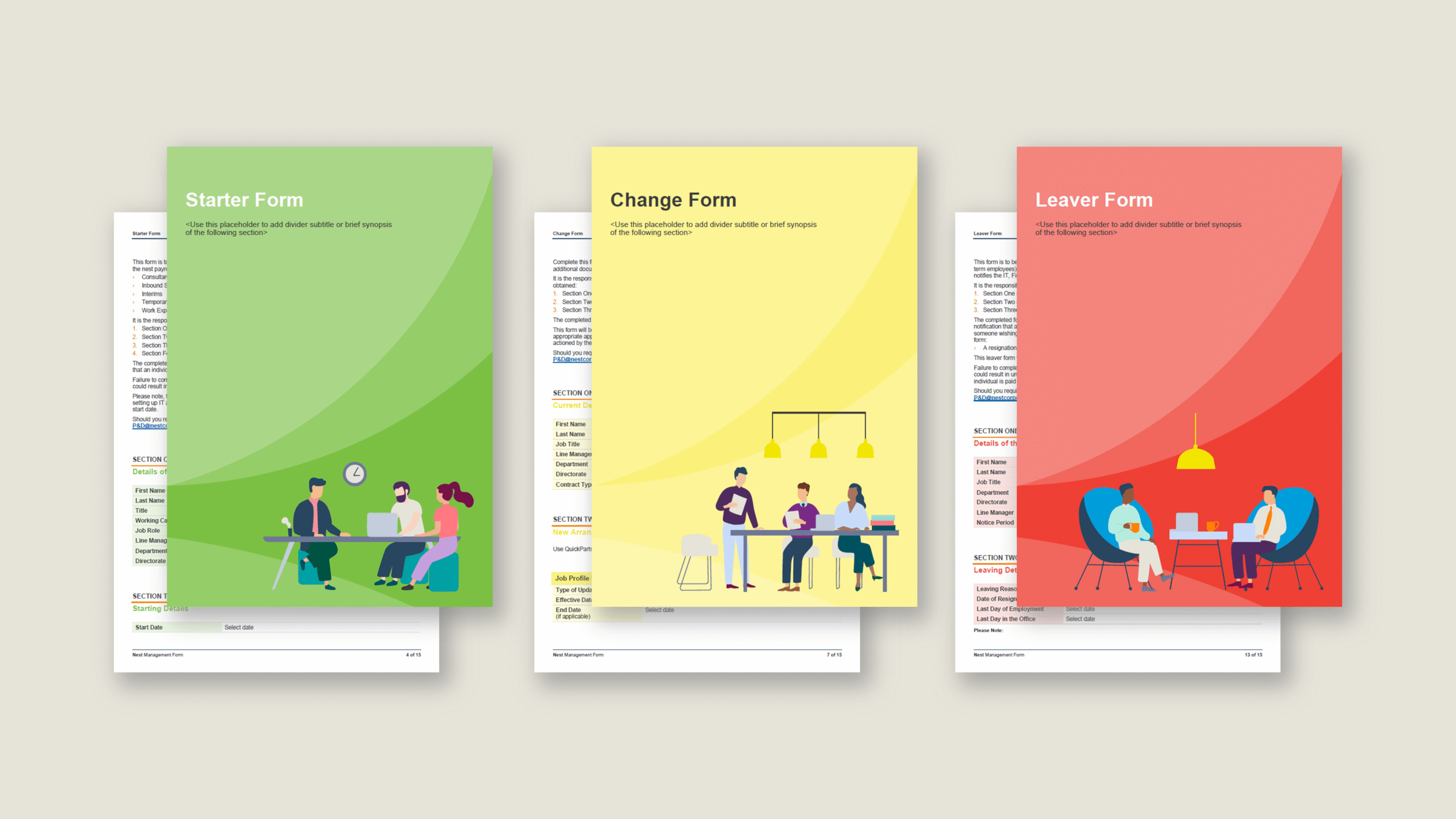
An enterprise HR team needed a form in Microsoft Word that aligned with a new brand style while remaining simple for administrators to edit. The form covers three scenarios—new joiners, leavers and role or title changes—and had historically been maintained as a basic Word document. During rebrand, stakeholders considered PDF, but rejected it because the form must stay live and editable throughout an employee’s lifecycle and should not rely on a graphic designer for updates. The requirement was a Word form template that looks graphical, reads clearly on screen and in print, and guides users to the correct fields. Each of the three sections should be visually distinct using brand colours, with clear signposting and minimal risk of accidental layout changes. In addition, the data model had to be future-proof so completed forms can be exported to Excel for reporting, without copy-paste. The goal: a branded, intuitive Word forms experience that reduces errors, accelerates completion, and removes dependence on InDesign or specialist design support.
Approach
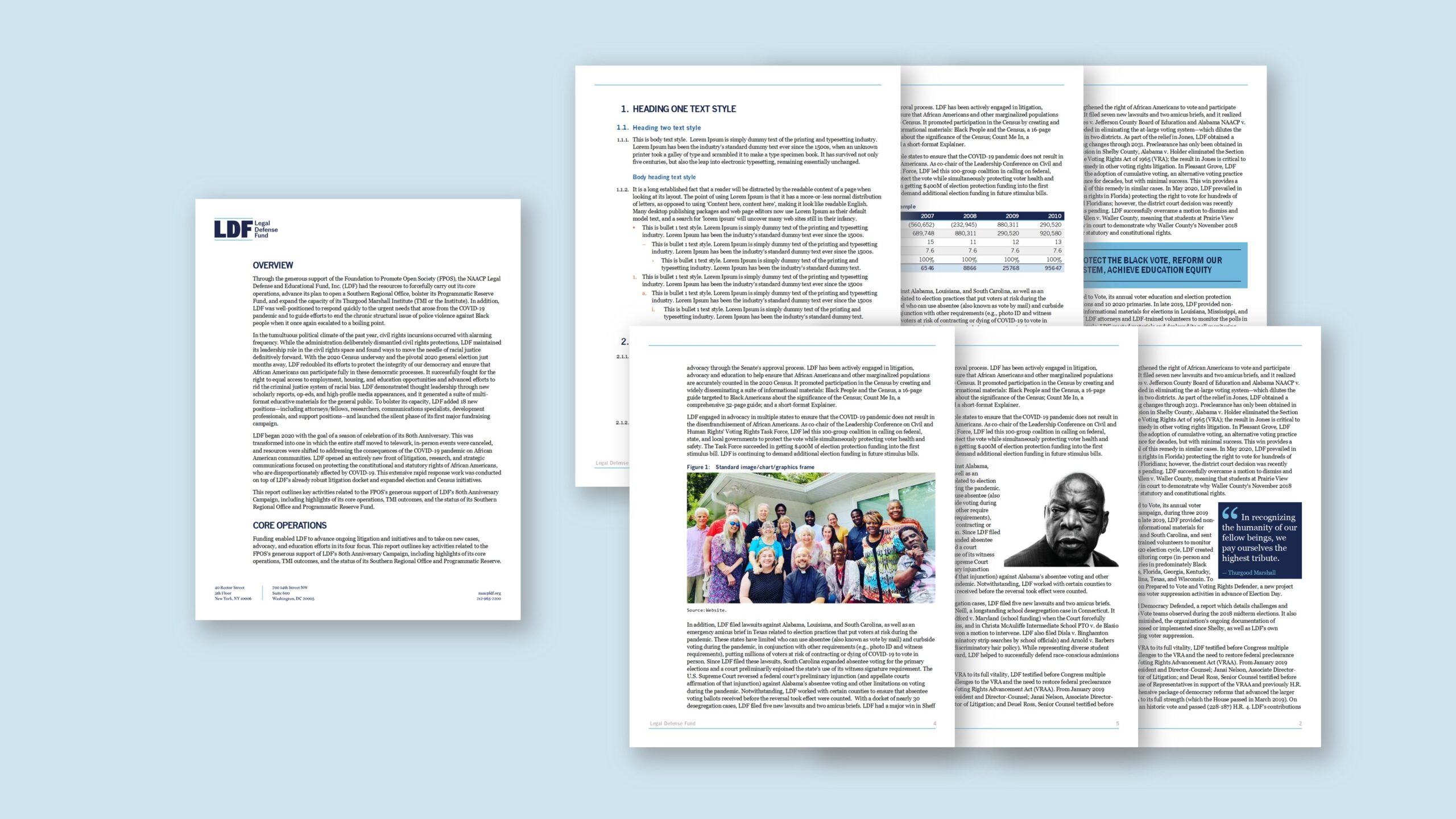
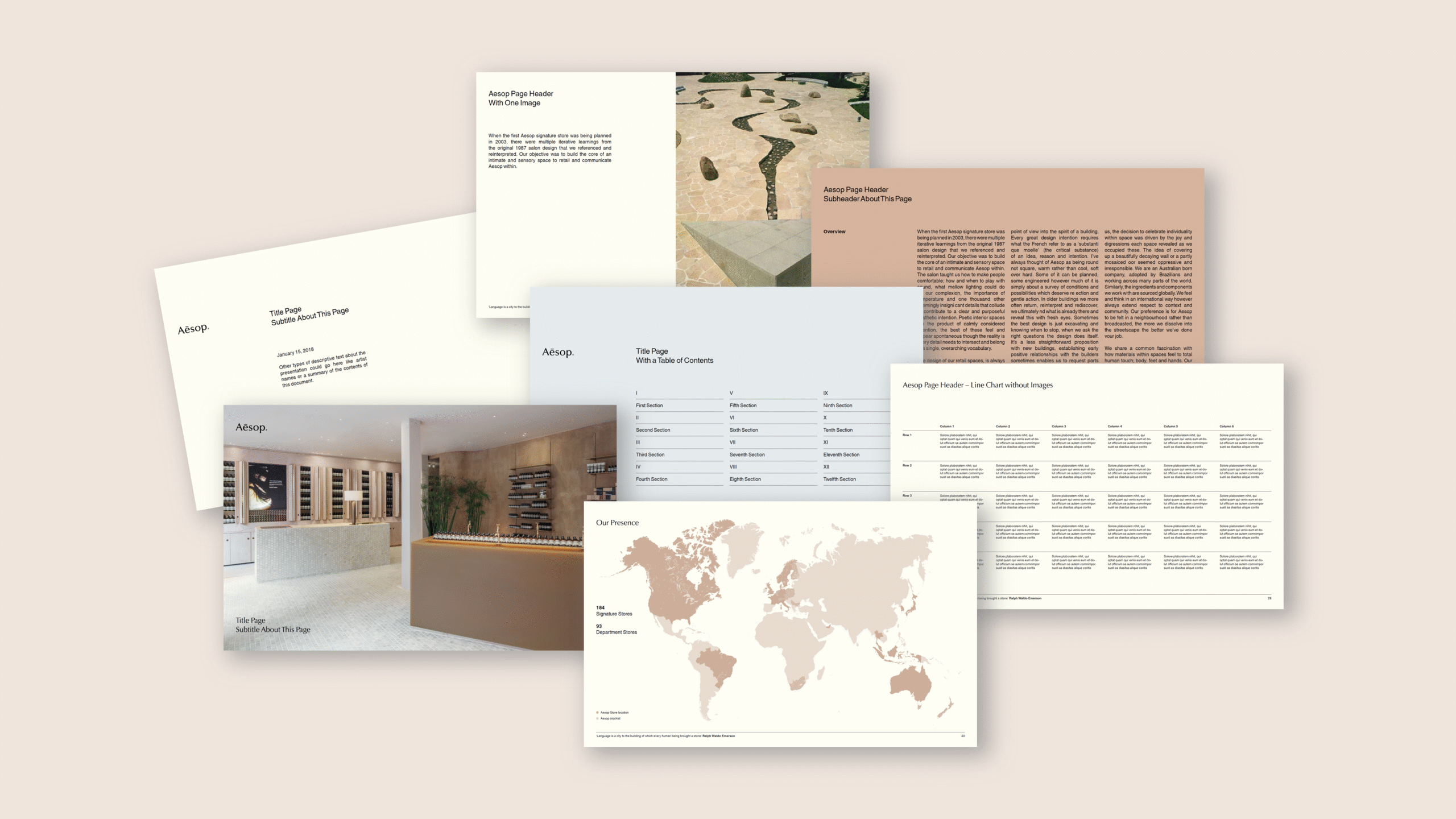
We rebuilt the document as a disciplined, style-driven Microsoft Word template. Theme colours and fonts captured the rebrand; a neat grid defined margins, columns and safe areas. Each of the three sections (join, change, leave) received a dedicated brand colour band and icon header to aid recognition. We implemented protected fields using content controls (text, date, dropdown, checkbox) and grouped decorative elements so the layout cannot be dragged out of place. Required fields use subtle prompts; optional fields include helper text that appears only in edit view. Tables employ accessible Banded Rows and clear label cells for efficient reading. To support analytics, every field has a consistent tag name and logical order, creating a clean pathway to export Word form data to Excel via a mapped data set or a lightweight extraction workflow for automated syncing process . The first version of the template is macro-free for portability and behaves predictably across standard builds of Word. A concise handover showed HR administrators how to unlock protection for edits, add or retire fields, switch section colours within the brand palette and produce a crisp PDF when publishing to the website.
Outcome
Administrators now complete and update forms faster, with fewer errors. Colour-coded sections reduce confusion, while protected fields and content controls keep structure intact. Because the template is macro-free and built entirely in Microsoft Word, teams edit without designer dependency and avoid an InDesign or PDF workflow. The field tagging and ordered structure enable a future-proof route to export data to Excel, which supports reporting without manual rekeying. Consistent typography, spacing and Banded Rows improve readability; published PDFs are clean and on brand. Overall, the organisation gains a reliable, professional HR form process that scales with policy changes and remains easy to maintain in house.