

AI in Microsoft Office: What it means for Templates, Formatting and Branding
Posted on
5 February 2026
Reading time
±7 minutes read
Section
Insight
Industry
Corporate Communications
Services
Template Design
Let’s build better Office templates.
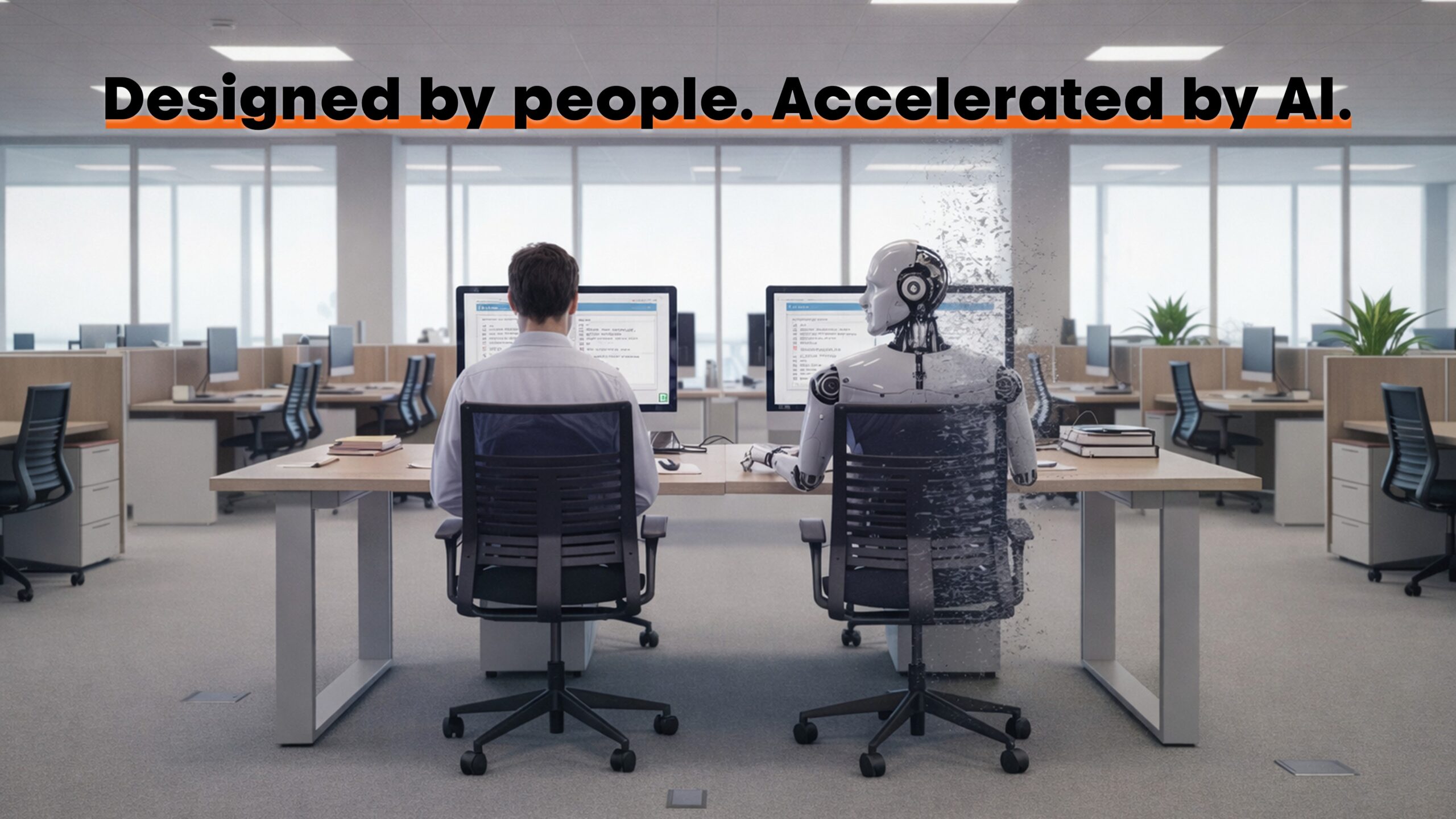
AI is now firmly embedded into Microsoft Office, particularly across Word, PowerPoint and Excel. With tools such as Microsoft Copilot, users can generate reports, summarise documents and draft content faster than ever before. For many organisations, this feels like a natural evolution towards efficiency. However, as AI becomes more visible inside everyday workflows, it is also creating confusion around what it can genuinely replace, especially when it comes to templates, formatting and branding in Microsoft Office.
Office documents are not everyday files. They are the most visible representation of a brand.
Microsoft Office has long been underestimated as a branding platform. Word documents are still seen as functional reports, PowerPoint as simple presentation software, and Excel as purely analytical. In reality, these are the files most frequently shared with boards, investors, regulators and clients. While AI can accelerate content creation, it does not understand how these documents need to behave over time, across teams and across different use cases.
AI can draft content quickly, but it does not design document systems.
A key issue lies in how the term “template” is understood. For a template developer, a Microsoft Office template is not a finished document. It is the underlying framework where margins, layouts, colour themes, typography, styles, table behaviour, chart defaults and accessibility rules are deliberately defined. This structure ensures that users can create new documents quickly while remaining consistent, readable and on-brand without needing design expertise.
Template question: are you asking AI for content, or for a structured document framework?
For many end users, however, a template simply means a document that already looks right. This might be a previously published report or a presentation that they duplicate and reuse. With AI now capable of generating full Word documents on command, this misunderstanding has become more common. A user can ask AI to create a report on a specific topic and receive a document with chapters, headings and content that appears complete.
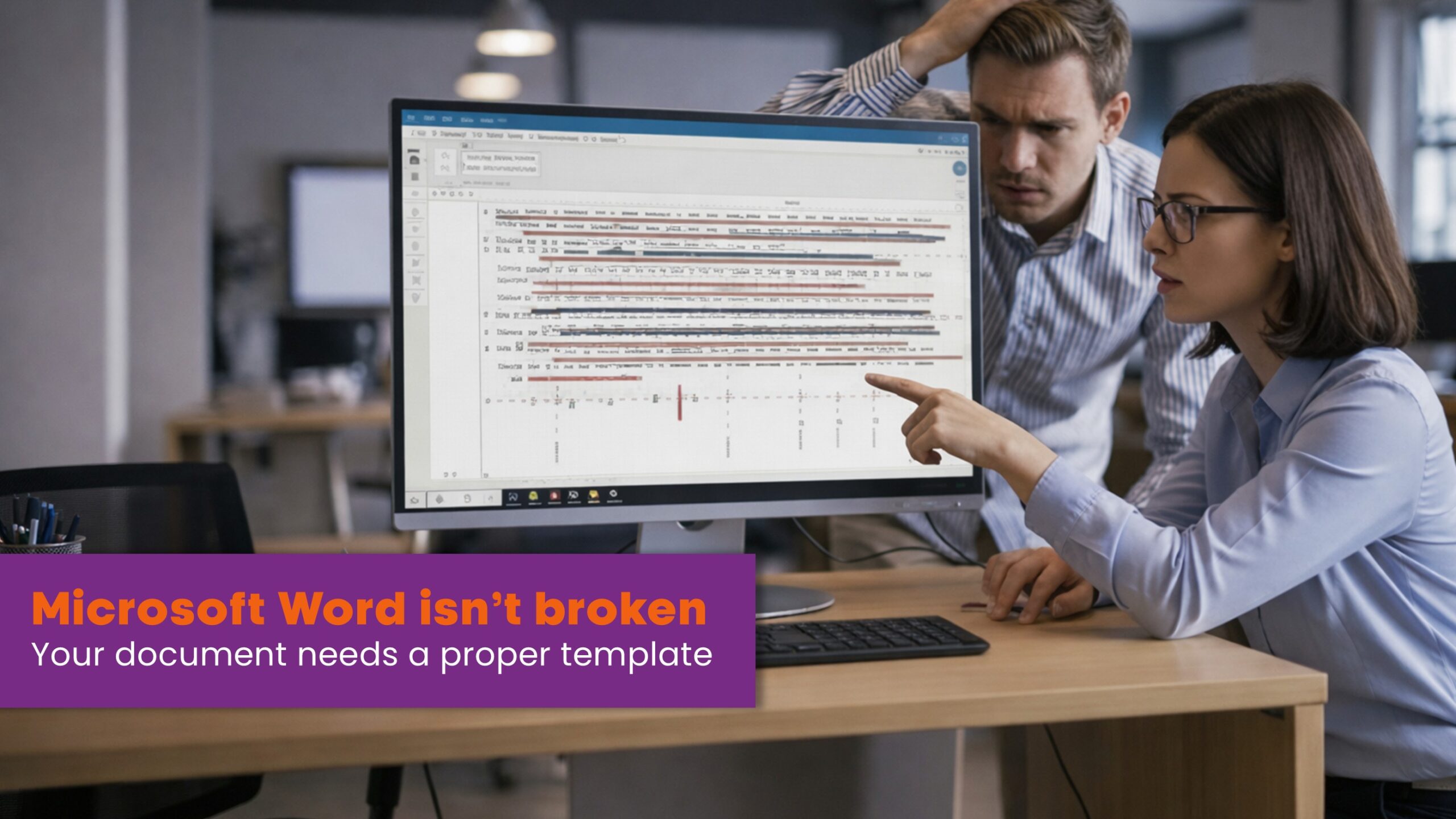
The problem is that AI-generated documents are usually formatted only at a surface level. Headings may look larger, spacing may appear acceptable and sections may feel organised, but the underlying structure is rarely defined correctly. Styles are often inconsistent or unused, spacing is hard-coded, lists are manually adjusted and tables and charts lack any defined logic. When these documents are reused, copied or merged into other files, formatting breaks down quickly.
AI formatting often looks right once, but fails the moment a document is reused.
This distinction between content and structure becomes critical at scale. AI is very effective at generating text and outlining sections, but it does not understand how documents should behave when edited repeatedly by different users. Without a properly built Word template beneath it, AI has no reference for how content should flow, adapt or remain brand-compliant. The result is a document that looks fine in isolation but becomes fragile when reused.
Most users will judge a document by face value. If the content reads well and the document looks acceptable, it is assumed to be fit for purpose. Users are not expected to understand paragraph styles, section breaks or table behaviour, and they should not have to. That responsibility sits with branding, marketing and communications teams.
If it looks fine, it is assumed to be correct, even when it is structurally wrong.
When the underlying framework is not correct, problems appear later. Copying and pasting content from older documents into new ones becomes time-consuming. Formatting needs constant fixing. Styles multiply. Layouts break. What initially felt like a time-saving AI shortcut quietly turns into a productivity drain.
Poor templates cost more over time. Users spend hours fixing documents that should have worked by default.
This hidden cost is often overlooked. Time spent correcting formatting, rebuilding layouts or manually enforcing brand rules is time not spent on actual work. At scale, this results in higher operational costs, inconsistent outputs and frustration across teams. No matter how advanced the AI tool becomes, it cannot compensate for a weak document foundation.
This is also why not every organisation needs to distribute complex templates to every team. If documents are produced centrally, hands-on design control may be manageable. However, if the goal is self-reliance, allowing teams to confidently produce reports, proposals and presentations without constant design input, then well-built Microsoft Word and PowerPoint templates become essential.
Templates are not about control. They are about making the right outcome effortless.
When a robust template system is in place, AI becomes genuinely useful. AI-generated content can drop directly into predefined styles, layouts and structures. Summaries flow into the correct sections. Charts follow established rules. Instead of amplifying inconsistency, AI accelerates productivity within clear guardrails.
AI works best inside a framework designed by people who understand how documents are actually used.
The future of Microsoft Office is not AI replacing designers. It is AI supporting users within systems designed by specialists who understand branding, formatting and real-world document behaviour. Templates are not files that look good once; they are frameworks that support years of reuse, collaboration and change. Until AI understands those foundations, and it currently does not, human judgement remains essential.
At ZOARC Creative, Microsoft Office is not treated as an afterthought. It is understood as a core communication platform where structure, branding and real user behaviour intersect. The studio works with organisations to design Word, PowerPoint and Excel templates that are practical, scalable and cost-effective, built around how people actually create, reuse and edit documents day to day. This approach ensures that brand consistency is maintained without slowing teams down or increasing reliance on manual design fixes.
Whether the objective is to support self-service document creation, reduce time lost to formatting issues, or introduce AI into a controlled and productive workflow, the focus remains the same: build the right foundations first. With properly defined Microsoft Office templates in place, teams can work faster, AI can be used safely, and documents remain consistent, accessible and on-brand. This is where technology delivers real value, not by replacing people, but by supporting them within systems designed to last.
Explore more...
- ±7 minutes read
- ±6 minutes read
- ±5 minutes read
- ±5 minutes read
- ±5 minutes read
- ±7 minutes read
- ±7 minutes read
- ±6 minutes read
- ±5 minutes read