AI + Designers: who shapes your Microsoft Office templates?
Posted on
16 October 2025
Reading time
±7 minutes read
Section
Services
Industry
Cross-sector
Services
Template design and development
Let’s explore our template solution.
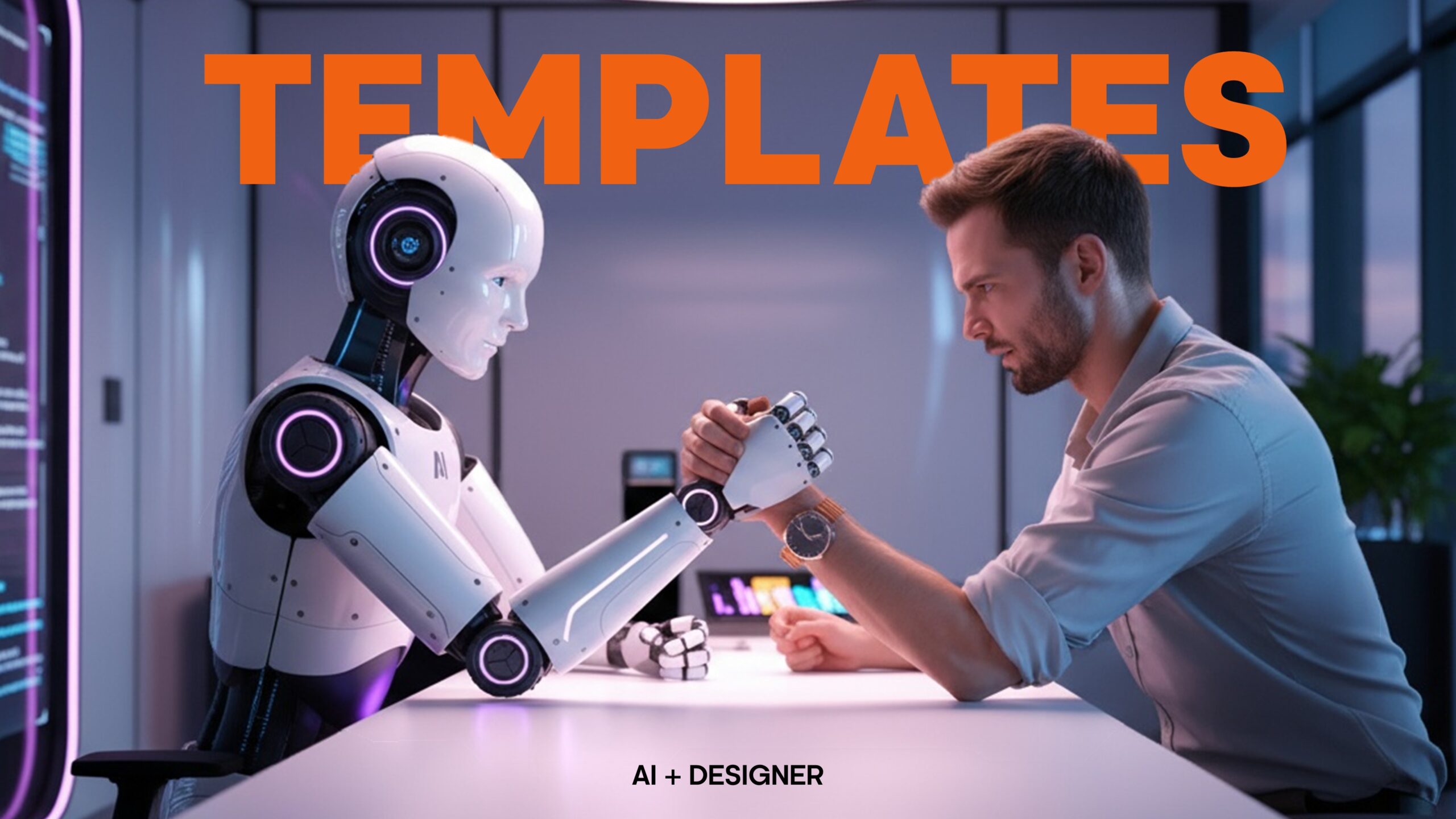
You can let artificial intelligence draft copy, rephrase paragraphs, and even mock up slides at speed — but shaping how your brand lives in Microsoft Office is a different discipline. A template is not simply a pretty page. It is a set of rules: type ramp, colour mapping, theme fonts and colours, Slide Master layouts, content placeholders, table styles with Banded Rows, accessible contrast, automatic numbering, Quick Parts, and macros that make day-to-day work faster and safer. These are product-specific engineering choices. Today’s AI excels at content generation; it does not understand the structural logic of Office files with the reliability an enterprise needs. Even Microsoft’s own guidance for Copilot stresses that it should start from your organisation’s template so it can reuse your layouts — which presumes the template already exists and is properly engineered.
AI will accelerate content; experts must still engineer the template.
Copilot and similar tools can save meaningful time. Microsoft’s 2024 Work Trend Index found 75% of global knowledge workers already use AI at work, with power users reporting 30+ minutes saved per day. A UK government pilot reported ~26 minutes saved per day (about two weeks a year) for officials using AI tools like Copilot for drafting and summaries. Those are real gains — the sweet spot is using AI on top of robust templates, not instead of them.
Productivity wins arrive fastest when AI sits on top of strong, on-brand templates.
Brand integrity is where templates earn their keep. When Slide Masters and Word styles are correctly built, every document inherits typography, spacing, and colour rules automatically. When they are not, staff improvise — and improvised assets fragment your visual identity. In a benchmark study, only <10% of organisations reported very consistent brand presentation, while those with consistent presentation were 3–4× more likely to enjoy excellent brand visibility; inconsistent usage most commonly created market confusion (71%). Respondents estimated that consistently presenting the brand correlated with an average 23% revenue increase. Templates are one of the few controls that touch every page and slide your company ships.
Well-built templates are a frontline control for brand consistency and revenue impact.
There is also compliance. UK public sector bodies must publish accessible content; similar expectations increasingly reach suppliers and regulated industries. Accessibility is not a last-minute “checker” step — it is encoded in the template: heading levels, reading order, alt-text affordances, contrast and colour mappings, list and table semantics, and footnote styles that export cleanly to PDF. A good template bakes these in so ordinary users do not have to think about WCAG every time they type.
Accessibility is engineered into templates; it cannot be bolted on reliably at the end.
Where does AI fit? Treat it as your drafting assistant and reviewer, not your template author. Microsoft’s documentation frames Copilot in Word and PowerPoint as a way to create, summarise, refine, and transform content — it does not design your theme, define Slide Master semantics, or build locked-down styles across Word sections. In fact, Microsoft instructs users to begin with the existing corporate template so Copilot can stay on-brand, which confirms the dependency: AI assumes the template is already done right.
Copilot needs your template; it does not replace it
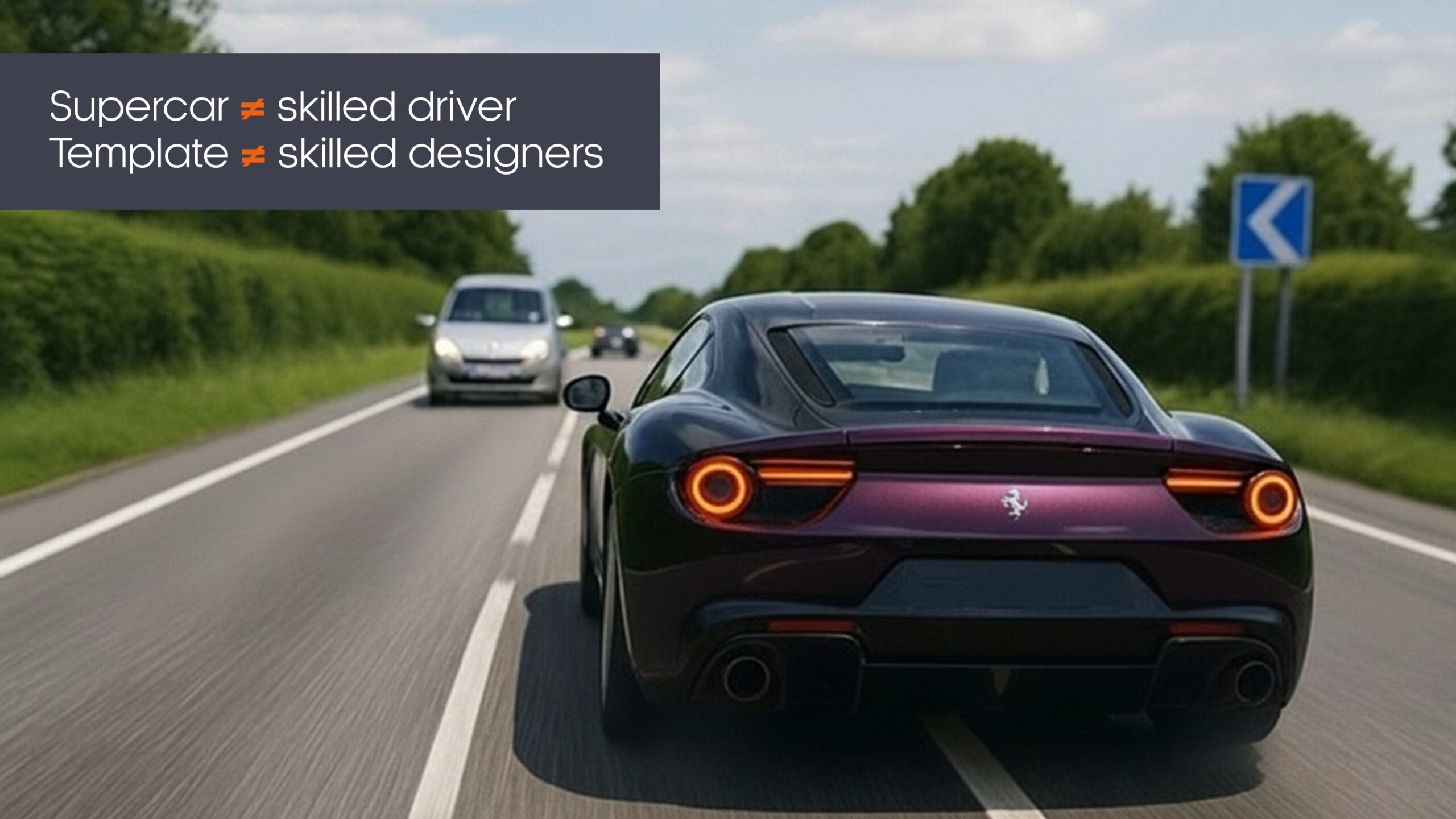
There is a risk in handing template creation to generalist graphic designers who live primarily in Adobe. Many produce attractive compositions but stop short of Office engineering: text boxes glued to slides instead of content placeholders; manual bullet indents rather than list styles; colours hard-coded instead of tied to the theme; logos inserted as pictures on every slide instead of the Master; Word headings formatted locally rather than through styles; table themes inconsistent with brand colours; and PDFs exported without proper tagging. The result looks fine in a screenshot yet collapses the moment a real user edits it, or fails accessibility checks in procurement. This is not a criticism of design craft — it is a reminder that Office templating is a specialist build job.
Finally, be realistic about AI’s limits. Large language models still “hallucinate” and fabricate details; reviews throughout 2024–2025 note persistence of these errors even as models improve. That is tolerable for a first draft of body copy; it is unacceptable in the logic that governs your corporate documents. Templates deserve the same engineering scrutiny you apply to your website CMS.
Do not let AI’s occasional inaccuracies seep into the infrastructure of your brand.
A pragmatic model that works today
Commission a proper Office template build. Define theme colours, fonts, Slide Master layouts, Word style sets (with Banded Rows for tables), numbering schemes, image placeholders, cover variations, accessibility defaults, and any required macros.
Train your users on how to start from the template and then use Copilot to draft content, summarise meetings into slides, or re-tone language while the underlying layout stays locked to brand.
Govern distribution and updates; discourage “shadow templates” and unapproved AI tooling. Microsoft reports widespread BYOAI at work, which strengthens the case for providing an approved, safe pathway — and for templating that narrows the scope for off-brand improvisation.
Humans design the rails; AI helps you move faster on them.
In short: let AI accelerate content and creativity, but ask specialists to engineer the container. That balance gives you speed, brand consistency, accessibility compliance, and fewer formatting fire-drills — the gains leaders are actually looking for when they invest in AI and Office.
Explore more...
- ±5 minutes read
- ±5 minutes read
- ±5 minutes read
- ±8 minutes read

- ±7 minutes read

- ±10 minutes read
- ±5 minutes read
- ±5 minutes read
- ±5 minutes read