Project overview
Client
The Shed
Industry
Arts & culture
Service
Word
Let’s match print and pdf.
Brief
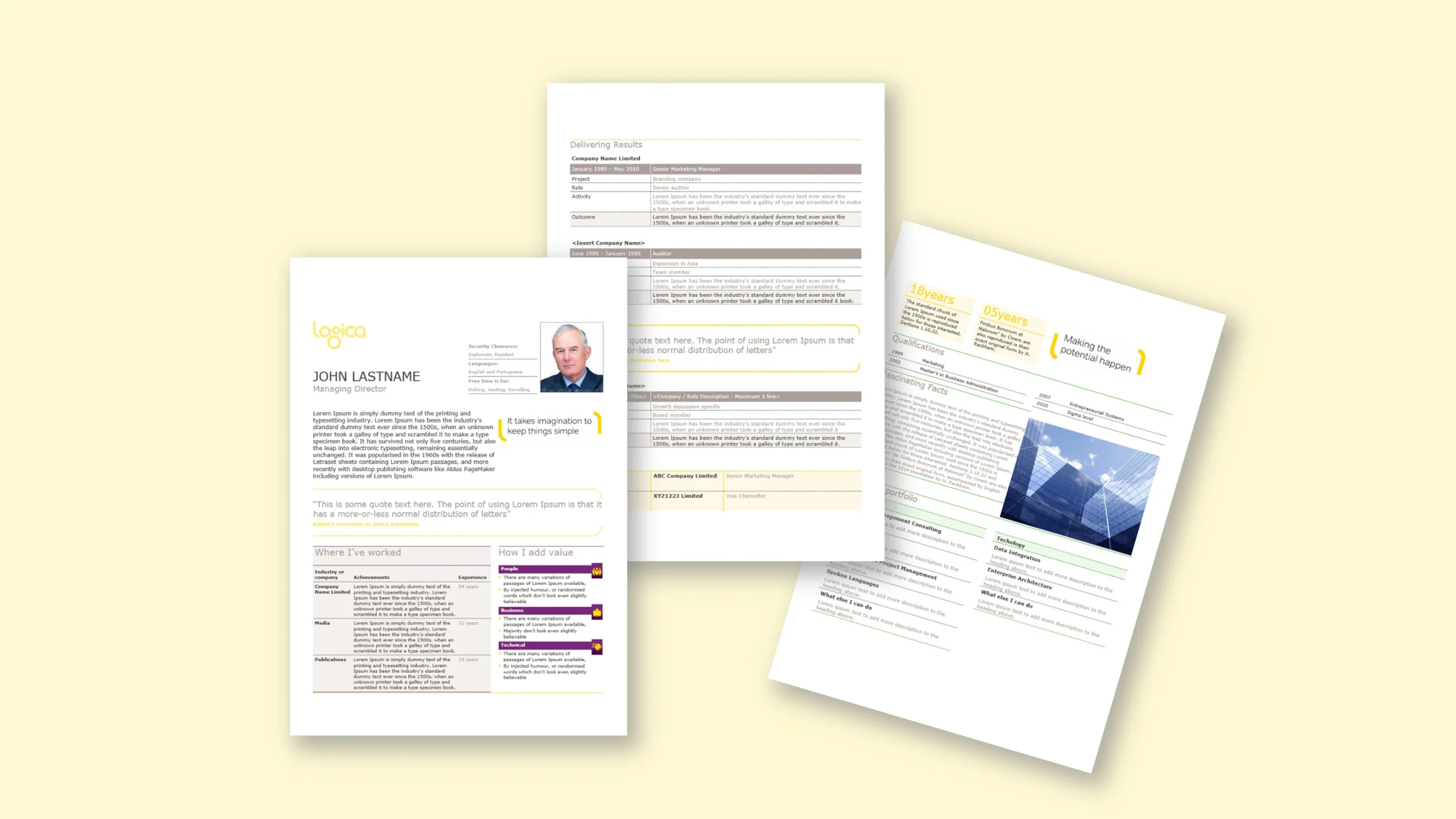
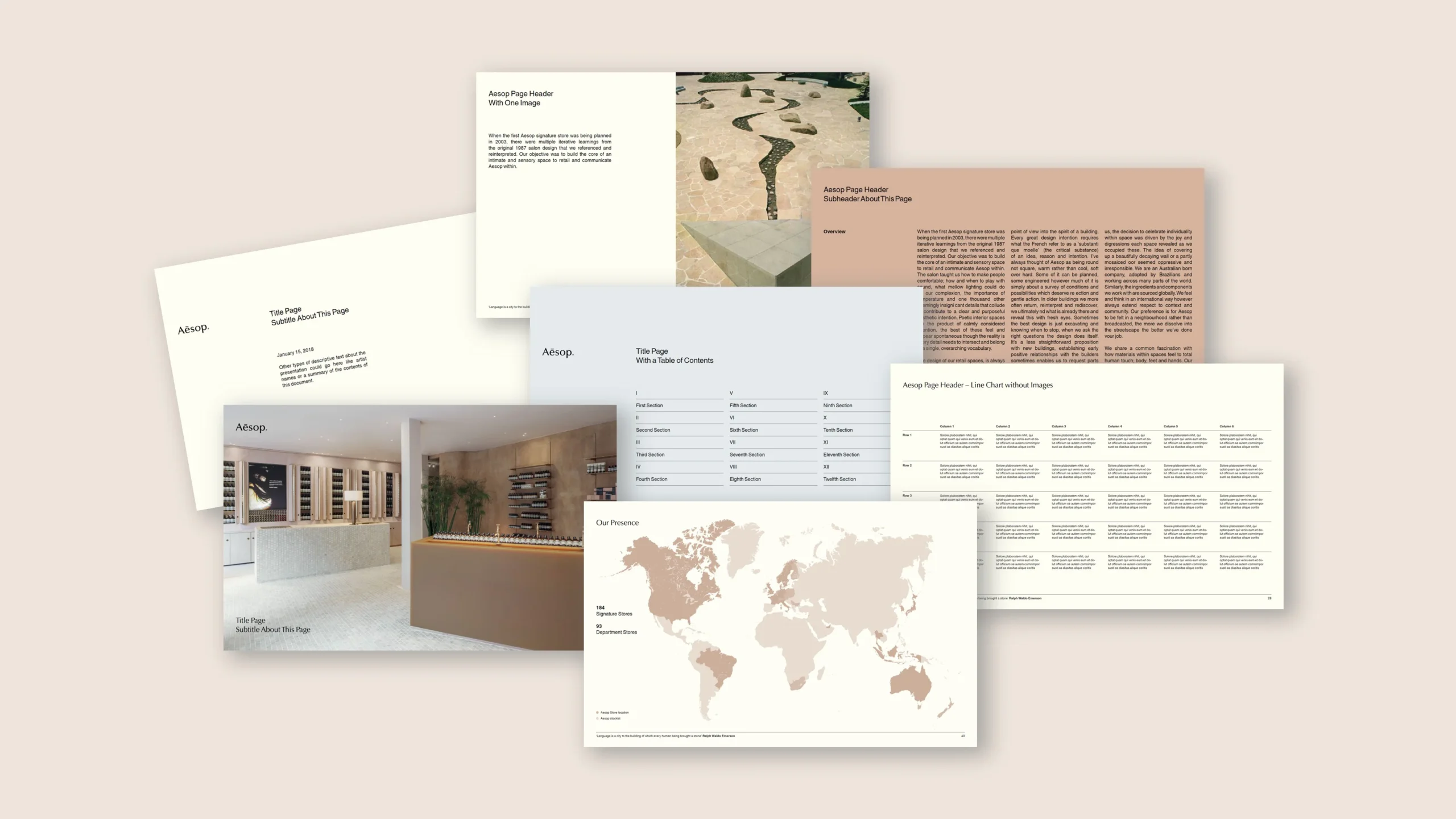
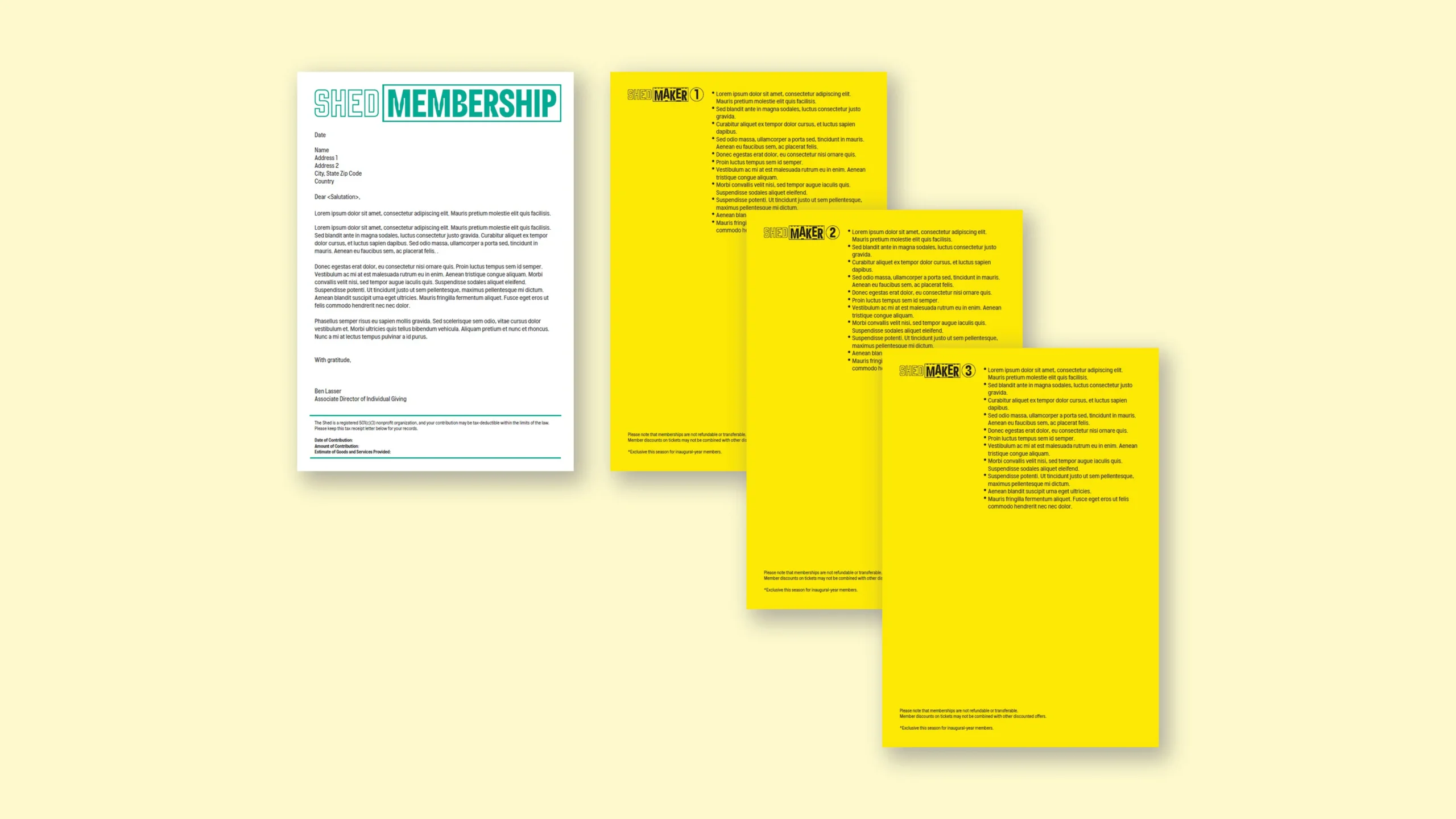
A New York cultural centre’s branding was set in InDesign and already printed on coloured letterhead stock. Staff, however, needed to author in Microsoft Word and produce letters either on pre-printed paper or as PDFs that visually matched the print. We were asked to create Word letterhead templates that replicate the printed look and provide a one-click toggle to switch between “print on stock” and “PDF” modes across 7–8 variants.
Approach
We rebuilt the letterhead system natively in Word: precise margins, header/footer placements and shape layers that mirror the printed artwork. A small macro-powered toggle flips between modes—hiding background tints and certain elements for print, then restoring them for PDF. We locked the typographic and spacing system in styles, added Quick Parts for sign-offs and address blocks, and tested output on standard printers and PDF export to ensure alignment with the physical stock.
Outcome
Teams produce letters that match the brand on paper and in PDF without manual adjustments. The toggle eliminates duplicate files and prevents mistakes, while the variants cover different departments and use cases. The result is a faithful digital companion to the printed stationery, delivered in familiar Word templates.