


Your rebrand will fail quietly in Microsoft Office
to your Office files.
If this article has made you rethink how your business uses Word, Excel or PowerPoint, ZOARC Creative can help create polished, brand-aligned templates for letterheads, reports, proposals, bids and presentations.
Trusted for Microsoft Office template and formatting support
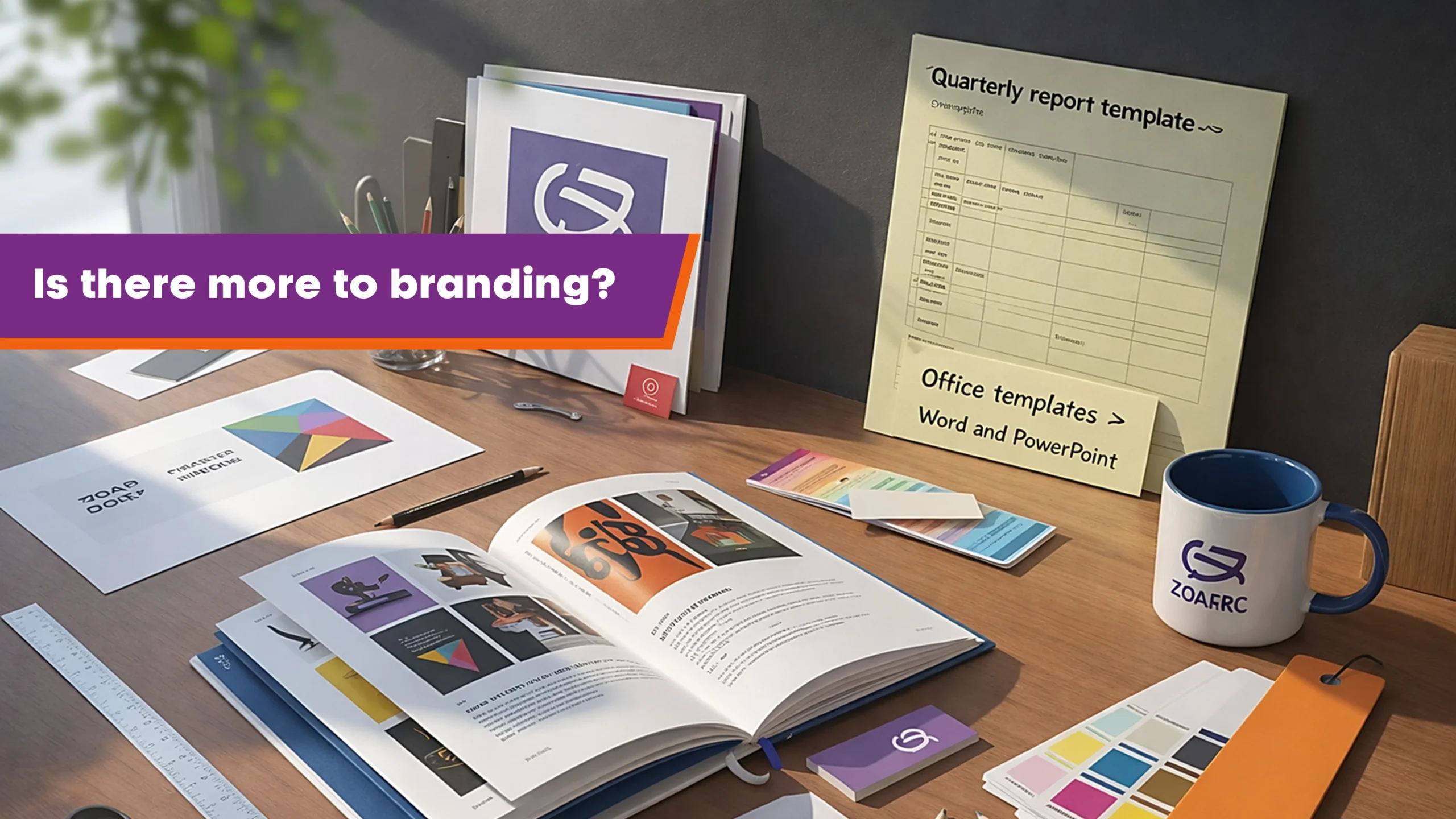
When branding a new company or refreshing an existing one, most organisations start in the obvious place. A brand agency or design studio is hired to define colour, typography, logo usage, imagery, and the look and feel of the website. That is all valid work, and it is often done well.
The problem is what happens next.
In many brand guideline documents, Microsoft Office is treated as a small corner of the pack. It might be one page. It might be a handful of pages with attractive illustrations of how a document or presentation should look. But it is rarely treated as a full working system, and that gap is where the rebrand starts to leak.
Because for most organisations, Microsoft Office is where the brand shows up every single day, at speed, under pressure, and in the hands of people who are not designers. These people create files such as:
Microsoft Word: proposals, reports, tender responses, business cases, statements of work, policies, meeting packs, letters.
Microsoft PowerPoint: pitch decks, sales presentations, investor updates, board packs, training decks, project updates, townhall decks.
Microsoft Excel: trackers, budgets, dashboards, financial models, forecasts, reporting packs, data tables.
Microsoft Outlook: email signatures, branded email formats, client email templates, meeting invites.
Your brand is reinforced daily in Office, not occasionally on billboards.
This is where things commonly go wrong. A design agency that does not actively build inside Word and PowerPoint can end up treating templates as if they are artwork. The result is usually the same pattern: slot the logo into a header, add visually heavy graphic elements into the master, place high-resolution imagery everywhere, and call it a template.
It looks like a template. It behaves like a problem.
Files become heavy and slow. Users start avoiding the template because it lags, crashes, or simply feels painful to work with. And even when it opens, the basics are missing: proper colour themes, font themes, styles, spacing rules, margins, table behaviour, section logic, and layout options that cope with real content. You end up with something that resembles a branded mock-up, but it does not function as a usable, scalable system.
Then the real damage begins: these files become the face of the brand.
Not the brand film. Not the billboard. Not the website. Those are controlled and curated by a graphics team with time, process, and a consistent production environment. Word documents and PowerPoint decks are different. They are produced quickly, by many people, often with copy-paste content, last-minute edits, collaboration, and mixed levels of skill. If the template is not built properly, your brand is the thing that fails in front of clients and colleagues, repeatedly.
A weak Office template does not sit quietly in the background. It becomes your brand in practice.
At that point, organisations often look for a fix internally, and the work gets pushed towards IT support. Again, it is not because IT is doing anything wrong. It is because there is an assumption that Microsoft Office equals technology.
But template usability is not the same as installing or maintaining software. IT teams are responsible for rollouts, updates, licensing, permissions, security policies, and keeping Microsoft 365 running. They do not typically spend their day building Word styles, PowerPoint masters, layout behaviour, or Excel structures for end users. Their expertise is essential, but it is a different skill set.
So now you have the same problem in a new form: decisions are being made based on assumptions, not on day-to-day Office use.
And there is a reason this keeps happening. The decision makers driving rebrands are often marketing, brand, or design leaders, and many come from graphic design backgrounds. That is a strength for brand creation, but it can also create a blind spot. Microsoft Office is taken for granted because it is on every machine. The thinking becomes it is installed, so it is usable. In reality, usability comes from specialist build, not from availability.
Being installed on every machine does not make Office templates fit for daily work.
If you want your brand to last, stay consistent, and feel professional beyond the launch moment, you have to invest in the tools your teams use day in, day out: Word, PowerPoint, Excel, and Outlook. You need to look at the actual outputs your business produces, how quickly they need to be created, and how non-designers behave when they are under pressure.
That is the point where a Microsoft Office specialist matters. Someone who designs and builds in Office as the final destination, not as a place to paste finished artwork. Someone who understands what users need, how templates should behave, and how to make the system efficient, maintainable, and future-proof as Microsoft 365 evolves.
Office templates are not an export step. They are a working system that must be engineered.
So what does a proper Office build actually include?
It starts with a clear understanding of the end user. Not what looks good in a mock-up, but what people need to produce quickly, repeatedly, and confidently. A specialist will review the types of files your teams create, the length and complexity of typical content, and the points where formatting usually breaks. They will also look at how content moves around the business: who edits, who approves, who reuses old files, and what collaboration behaviours are most common.
From there, the work becomes a balance of brand governance and real-world flexibility.
In Microsoft Word, the foundation is a style system that makes consistency automatic. That includes headings, body text, lists, captions, tables, callouts, footnotes, and page elements that behave predictably when content grows. Templates also need robust section handling, page numbering logic, and reliable table formatting so documents do not fall apart when they are assembled quickly or edited by multiple contributors.
In Microsoft PowerPoint, it means building a master and layout system that stays fast and practical. Layouts should be based on the slide types people actually use, not just what looks visually impressive. A proper build accounts for content variation, ensures assets are optimised so the file does not become heavy, and removes fragile decorative behaviour that breaks the moment users copy content between decks.
In Microsoft Excel, a strong template improves clarity without turning the workbook into a slow design canvas. It sets consistent formatting rules, sensible print and page setup, and a structure that supports reporting and reuse. If dashboards or trackers are part of the workflow, the template should guide users towards good structure rather than forcing manual design work every time.
And where relevant, Microsoft Outlook should not be ignored. Email is often the most frequent client touchpoint, yet it is commonly left to personal habits. A branded email signature system and simple, usable email formats can improve consistency quickly, without slowing anyone down.
The best templates feel invisible, because users can focus on content rather than formatting.
There is also the long-term side that often gets missed. Microsoft 365 evolves constantly. Features change, defaults shift, and behaviours can change quietly. Many users only notice when something breaks, looks different, or behaves unpredictably after an update. A true Office specialist keeps up with these changes, understands how they affect templates, and can update the build methodically so the system remains stable over time.
This matters because the cost of a broken template is rarely logged as a budget line. It shows up as wasted hours, inconsistent outputs, frustrated users, and brand drift that gradually erodes the value of the rebrand.
At ZOARC Creative, the focus is simple: Microsoft Office is the craft. Templates are designed and built directly in Microsoft Word, Microsoft PowerPoint, Microsoft Excel, and where relevant, Microsoft Outlook. Supporting tools may be used for asset preparation, but Office is always the final destination. The goal is to create templates that look on-brand, stay fast and stable, and make it easy for end users to produce consistent outputs at speed, without needing design skills to get there.
Explore more...
- ±5 minutes read
- ±10 minutes read

- ±7 minutes read

- ±12 minutes read
- ±8 minutes read
- ±9 minutes read
- ±5 minutes read
- ±10 minutes read
- ±7 minutes read