


Word isn’t broken – It’s just waiting for the right template
to your Office files.
If this article has made you rethink how your business uses Word, Excel or PowerPoint, ZOARC Creative can help create polished, brand-aligned templates for letterheads, reports, proposals, bids and presentations.


Trusted for Microsoft Office template and formatting support
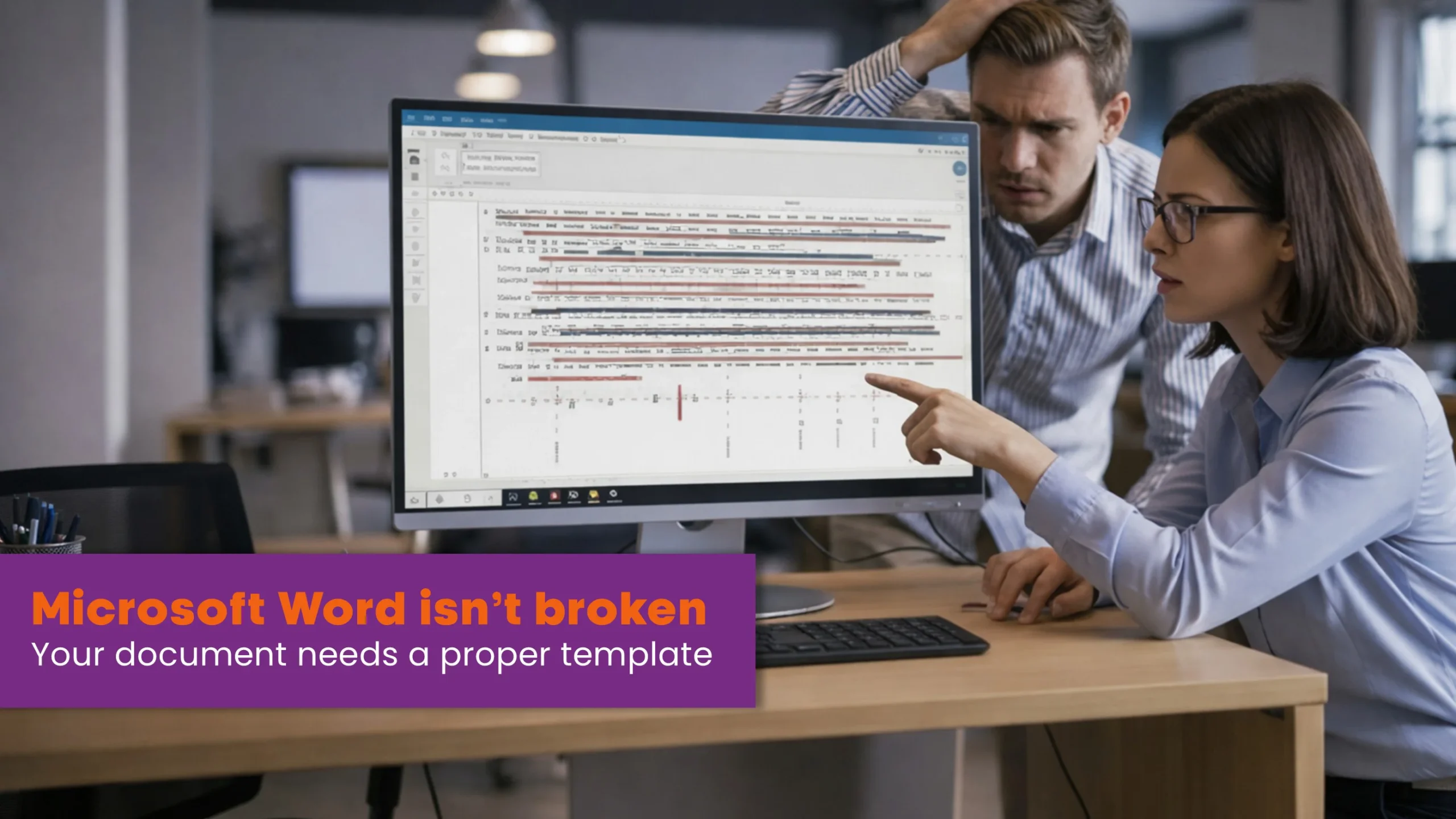
Microsoft Word attracts plenty of criticism: clunky, fiddly, “always breaking my layout”. In reality, Word is not the issue. The friction comes from documents built on shaky foundations – files copied from old versions, manual formatting overrides, and no underlying style system. Give people a blank canvas and they will improvise; give them a well-built template and they will produce consistent, professional documents with less effort.
Word is not the problem — bad templates are.
Most day-to-day pain points start the same way: someone pastes content from a previous report, drags a heading until it “looks right”, tweaks a list by hand, and adjusts a table in frustration. Those quick fixes pile up. They travel from file to file and become baked-in inconsistencies – misaligned margins, almost-right colours, and numbering that breaks at the worst possible time. Word gets blamed for behaviour that is, in truth, a symptom of workarounds.
Your brand deserves better than copied-and-pasted formatting.
A robust Word template changes the experience entirely. Styles carry the brand’s fonts, spacing and colour palette. Numbering is governed, not guessed. Tables and captions are pre-styled. Headers, footers and cover pages are locked to your identity. Users select the right style, type their content, and the document stays on brand. This is not cosmetic; it is operational. There is strong evidence that brand consistency links to performance – organisations with consistent branding report up to 33% higher revenue and as much as 20% greater growth than those that struggle with off-brand content.1
Consistency builds trust – start with your documents.
Consistency is also a long-standing principle of good user experience. When people know what to expect, they work faster and make fewer mistakes. “Consistency and standards” sits among the classic ten usability principles for interfaces, precisely because predictable systems reduce cognitive load and errors – and your documents are an interface your teams use every day.2
Stop fixing formatting.
Start focusing on content.
Poor structure does not only cause visual drift – it wastes time. Knowledge workers spend a surprising share of their week hunting for the “right” version, repairing layout, and reconciling conflicting styles. McKinsey estimates that interaction workers spend about 19% of their time simply searching for and gathering information. Multiple industry analyses over the past decade echo the same pattern, with estimates ranging from 5 hours per week to 2.5 hours per day lost to document and information search. Standardising templates, names, and where things live does not remove all waste, but it claws back meaningful time across a whole organisation.3
Design once. Reuse everywhere.
Well-built templates also unlock light automation where it makes sense. Quick-insert building blocks, structured cover sheets, auto-updated tables of contents, and governed cross-references remove manual steps from repeated tasks that happen hundreds of times a week. In adjacent professional domains where documents must be precise and repeatable, practitioners report up to 82% time savings when document automation sits on top of strong templates – a clear indication of the operational upside when you encode the rules once and let the system do the work.4
Templates work when people follow them.
There is an important caveat: a template is not magic. It will not rescue poor habits or ad-hoc workarounds if people ignore the rules it encodes. Think of it like driving. A well-engineered car is safe and responsive, but only if the driver observes the highway code. Ignore the rules and the car will not save you from a crash. Templates are the same: if users apply the defined styles, avoid manual overrides, and use the provided building blocks, documents remain fast to produce and reliably on brand. If they do not, the system degrades and familiar problems return.
At ZOARC Creative, we design the template and we teach the practice. Every delivery includes a concise “how to use” guide, a short induction (live or recorded), and a clear set of do’s and don’ts – how to apply heading levels, how to insert tables and figures, how to keep numbering stable, and when to use approved snippets. Where appropriate, we add carefully chosen automation so the right action is also the easiest action. The goal is a stable, scalable document system that holds together under real-world edits – last-minute paragraphs, chart swaps, policy updates – without the familiar scramble.
Give your team the right foundation – and Word falls into place.
There is also a brand and compliance angle that is often overlooked. Inconsistent branding does more than “look messy”; it creates operational drag and, in regulated sectors, it increases the risk of outdated marks, disclaimers or wording slipping through. Brand-governed templates narrow that risk surface while keeping output tidy and credible, which is why so many organisations invest in formal brand management and template systems as they scale.5
If your reports, proposals or policies are currently stitched together from old files, the fix is not another round of manual tidying. The fix is a template that encodes your brand and your rules, paired with simple training so everyone knows how to use it. Do that once, and you will stop blaming Word and start enjoying the results.
Explore more...

- ±6 minutes read

- ±9 minutes read

- ±7 minutes read
- ±5 minutes read

- ±5 minutes read
- ±6 minutes read
- ±6 minutes read
- ±9 minutes read
- ±7 minutes read